Component identification 63
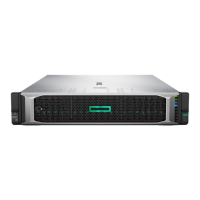
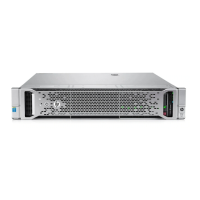
Front panel LEDs and buttons
1
Flashing amber = System degraded
Flashing red (1 Hz/cycle per sec) = System critical
Fast-flashing red (4 Hz/cycles per sec) = Power fault*
2
Solid green = Link to network
Flashing green (1 Hz/cycle per sec) = Network active
Off = No network activity
3
and system power LED
Flashing green (1 Hz/cycle per sec) = Performing power on sequence
Solid amber = System in standby
Off = No power present**
* To identify components in a degraded or critical state, see the Systems Insight Display LEDs ("Front panel LEDs
and buttons" on page 63), check iLO/BIOS logs, and reference the server troubleshooting guide.
** Facility power is not present, power cord is not attached, no power supplies are installed, power supply failure has
occurred, or the power button cable is disconnected.



 To Next Page
 Loading...