Table 7-2 UI notifications (continued)
# Scenario Example Old text UI notification Actual printing logic
3 Disengage limit was
reached (e.g. overlap
disengage calculation
is above 990).
Calculation: Image
placement + manual
correction + RL > 990
Image
placement 0; Job
RL 990;
Disengage 20.
OR
Image
placement 100;
Job RL 900;
Disengage 10.
Repeat length is above
maximum. Maximum
allowed values are used.
It is recommended to
perform BID Engage.
Current trailing edge
settings are invalid.
Overlap prevention
cannot be performed.
Overlap is disabled.
4 Disengage limit was
reached by automatic
overlap.
Calculation: Image
placement + RL > 990
Job RL 900;
Image
placement 100
—Did not exist— Current trailing edge
settings are above
the maximum value.
Maximum values will be
used.
Overlap is trimmed to
the maximum allowed,
keeping the RL as it is.
In the given example:
Engage 90, Disengage
990.
Accumulation of background at the leading edge
Follow these steps for accumulation of background at the leading edge.
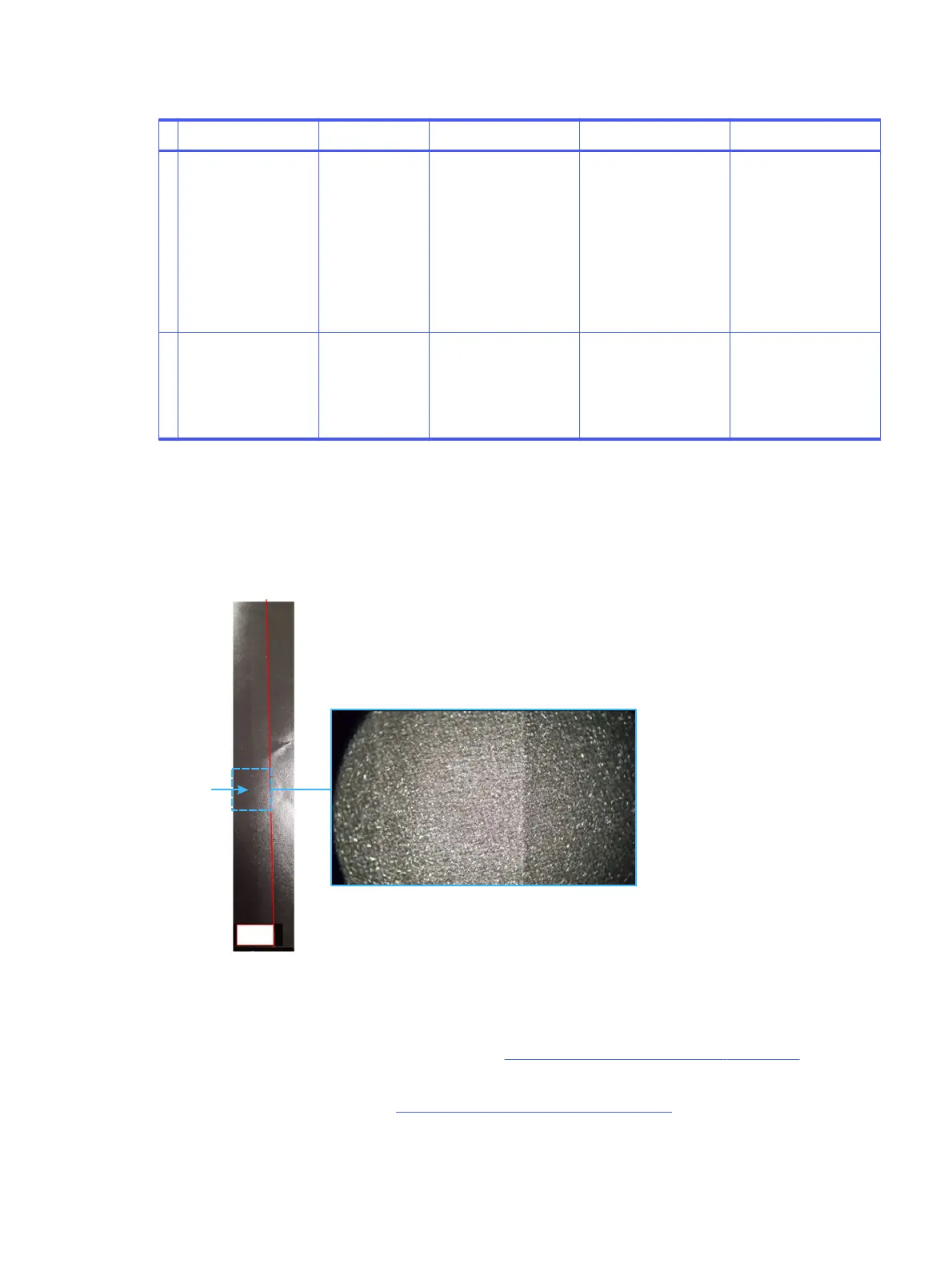
In some cases (high coverage jobs, noticeable with rich black design) a narrow band may appear at the
trailing edge area, across the frame. See example below:
Frame #n Frame #n +1
Band
TE
X20 magnification of band area
When this issue is noticeable do the following:
1. Verify LE BID engage is calibrated properly. Re-calibrate per need.
2. Enable the “overlap prevention” feature. (See Automatic overlap adjustments on page 17).
3. Use the overlap manual correction screen under Job Properties and re-adjust the BID engage by
forwarding it by +10 mm. (See Manual overlap adjustments on page 18).
4. Re-print a proof and adjust per need:
Accumulation of background at the leading edge
29



 To Next Page