2 Getting to know your computer
● Top
●
Front
●
Right
●
Left
●
Display
●
Rear
●
Bottom
Top
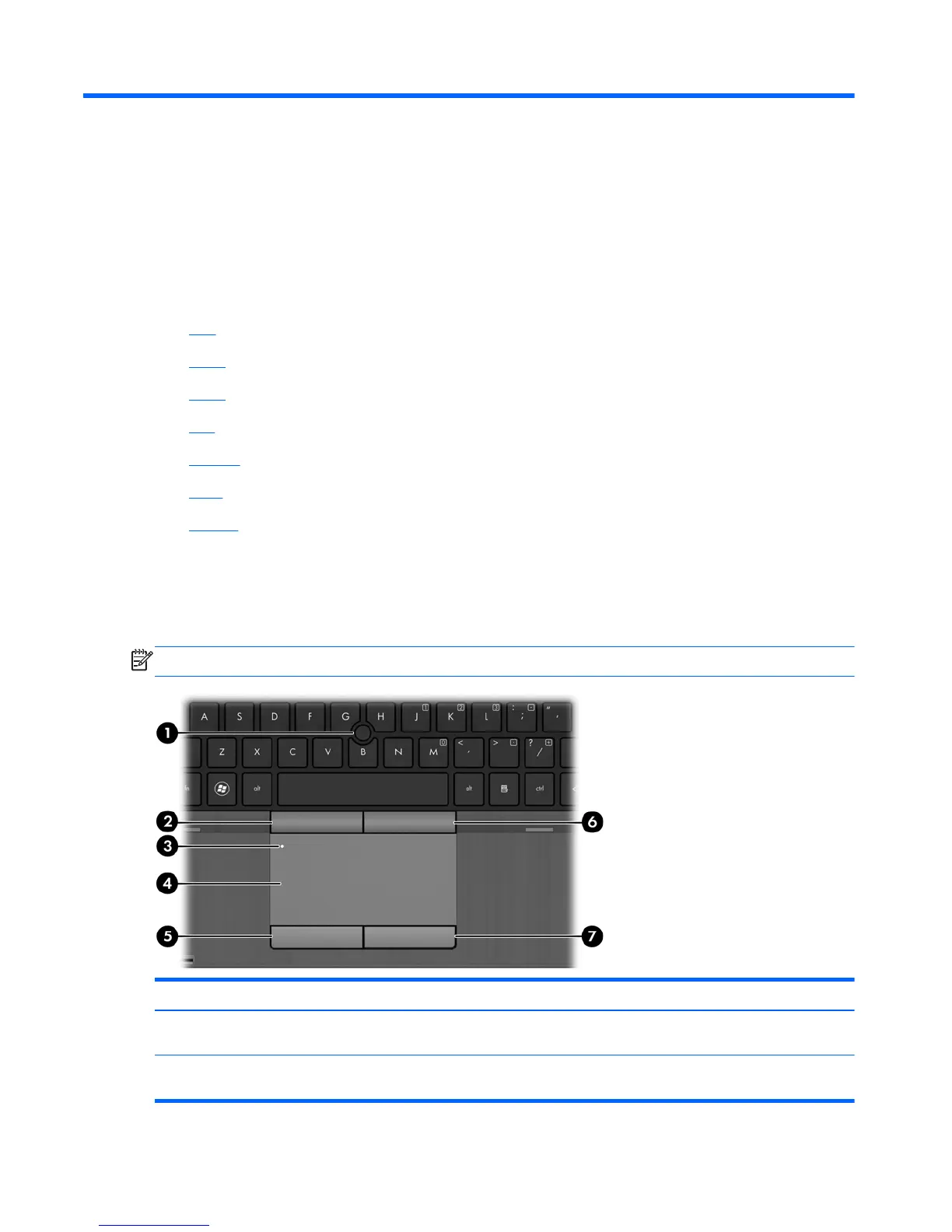
TouchPad
NOTE: Your computer may look slightly different from the illustration in this section.
Component Description
(1) Pointing stick (select models only) Moves the pointer and selects or activates items on the
screen.
(2) Left pointing stick button (select models
only)
Can be used with the pointing stick and functions like the
left button on an external mouse.
4 Chapter 2 Getting to know your computer










 To Next Page