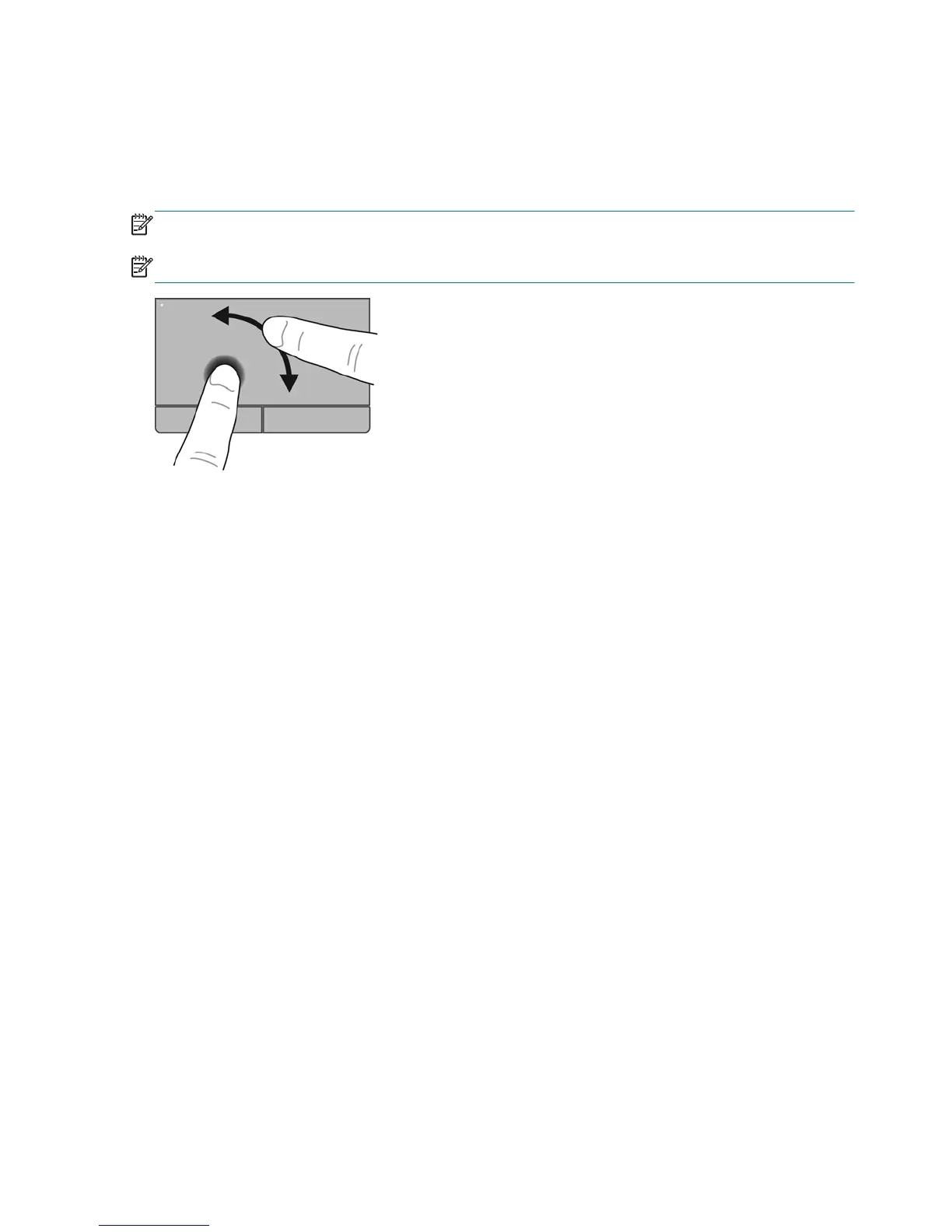
Rotating
Rotating allows you to rotate items such as photos. To rotate, anchor your left forefinger in the
TouchPad zone. Move the right forefinger around the anchored finger in a sweeping motion, moving
from 12 o’clock to 3 o’clock. To reverse the rotation, move your right forefinger from 3 o’clock to 12
o’clock.
NOTE: Rotating must be done within the TouchPad zone.
NOTE: Rotating is disabled at the factory.
32 Chapter 5 Keyboard and pointing devices










 To Next Page