Configuration Setup
32 NAS b2000 v2 Quick Start Guide
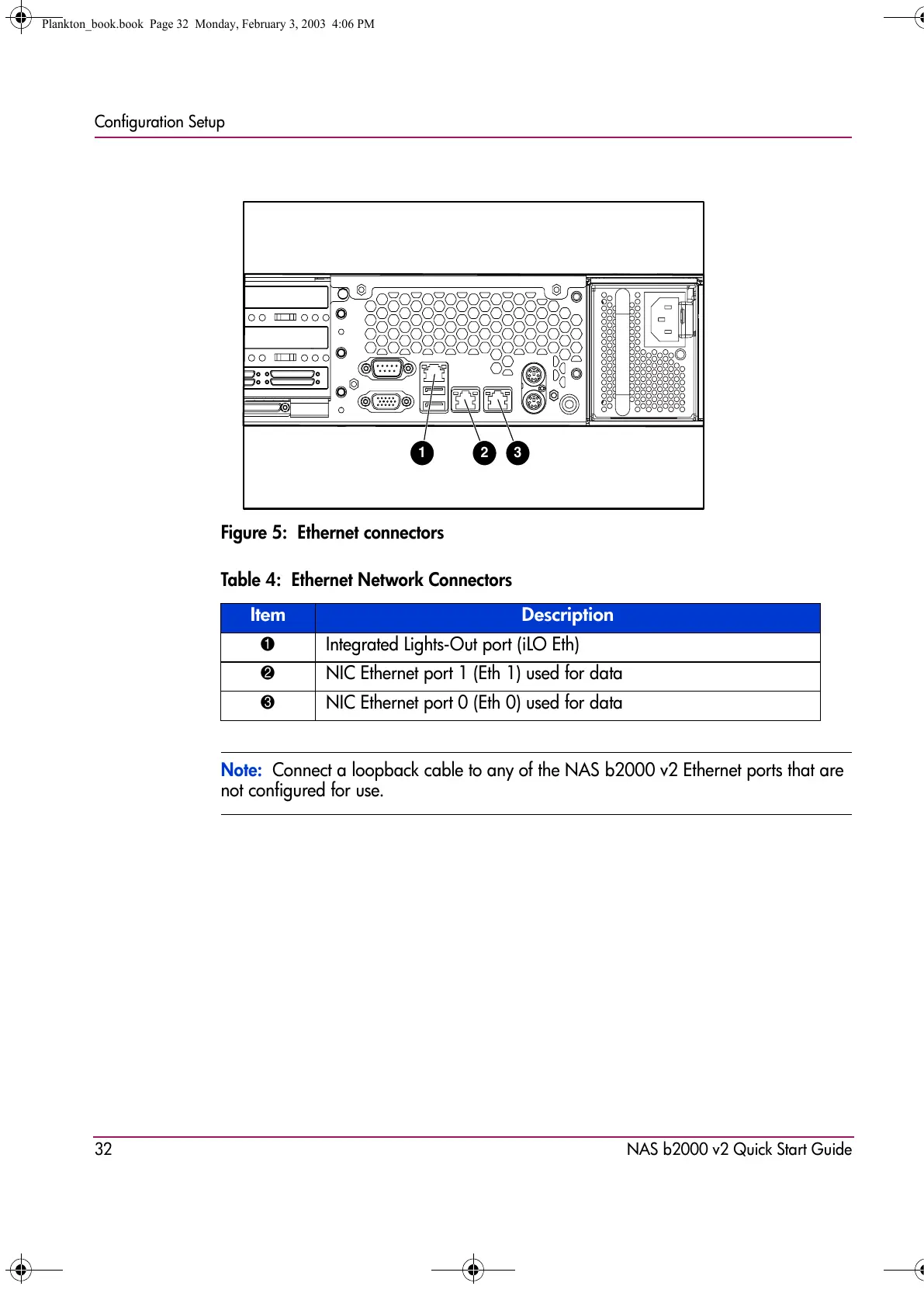
Figure 5: Ethernet connectors
Note: Connect a loopback cable to any of the NAS b2000 v2 Ethernet ports that are
not configured for use.
Table 4: Ethernet Network Connectors
Item Description
1 Integrated Lights-Out port (iLO Eth)
2 NIC Ethernet port 1 (Eth 1) used for data
3 NIC Ethernet port 0 (Eth 0) used for data
31 2
Plankton_book.book Page 32 Monday, February 3, 2003 4:06 PM









 To Next Page