Configuration Setup
33NAS b2000 v2 Quick Start Guide
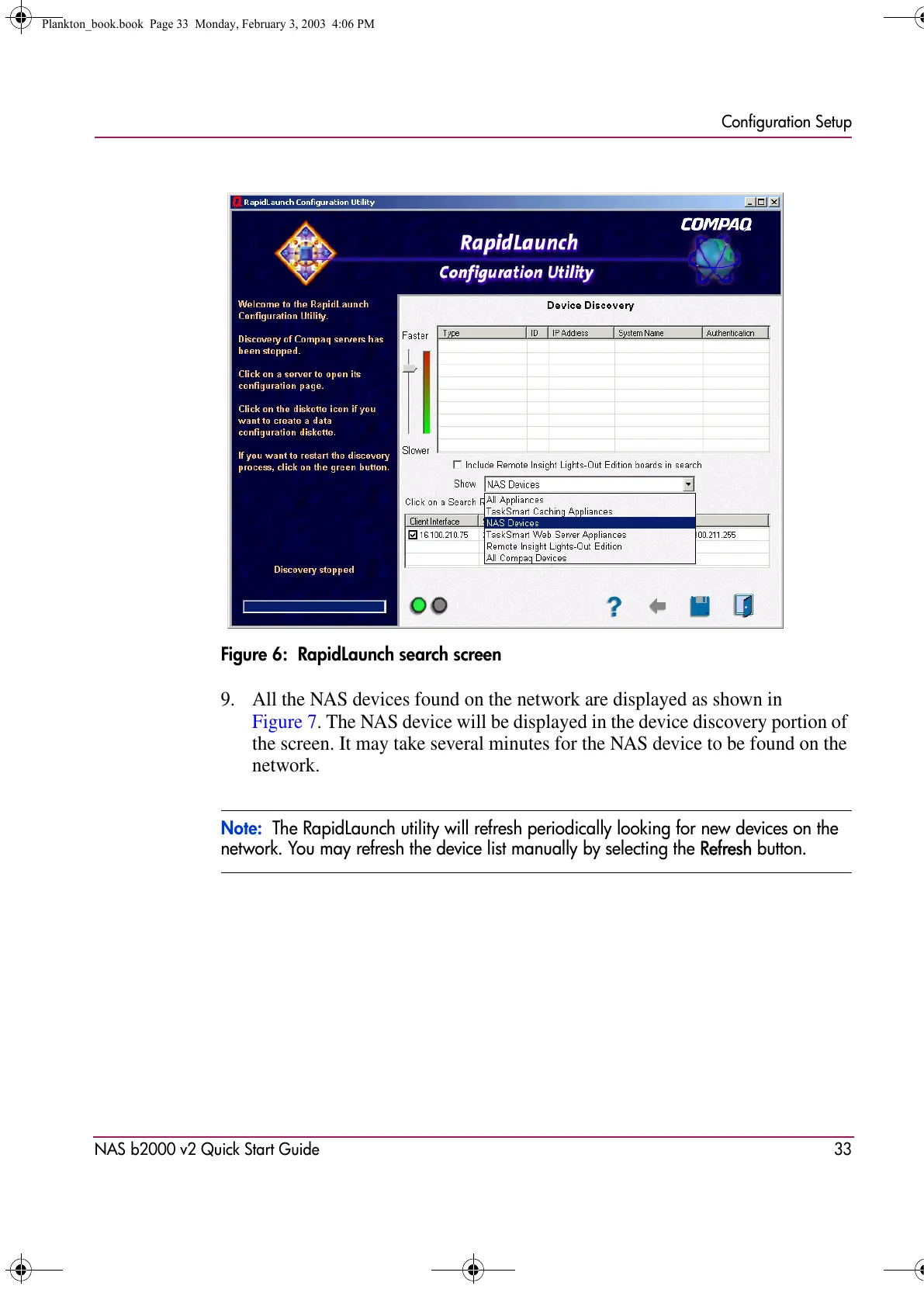
Figure 6: RapidLaunch search screen
9. All the NAS devices found on the network are displayed as shown in
Figure 7. The NAS device will be displayed in the device discovery portion of
the screen. It may take several minutes for the NAS device to be found on the
network.
Note: The RapidLaunch utility will refresh periodically looking for new devices on the
network. You may refresh the device list manually by selecting the Refresh button.
Plankton_book.book Page 33 Monday, February 3, 2003 4:06 PM









 To Next Page