Connecting to a network
NOTE: To communicate using the modem on your computer and an analog telephone line, connect
one end of a modem cable to the RJ-11 (modem) jack on your computer and the other end to an RJ-11
telephone jack. Refer to your computer user guide for more information.
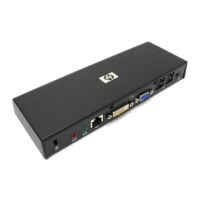
You can connect your computer through the docking station to a network. This requires an Ethernet
cable (purchased separately).
NOTE: The RJ-45 (network) jack on the computer is disabled when the computer is connected to the
docking station.
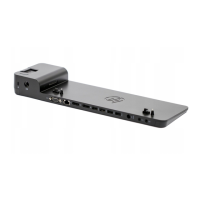
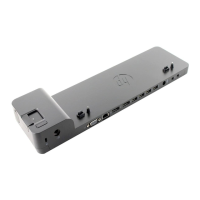
1. Connect the docking station to your computer.
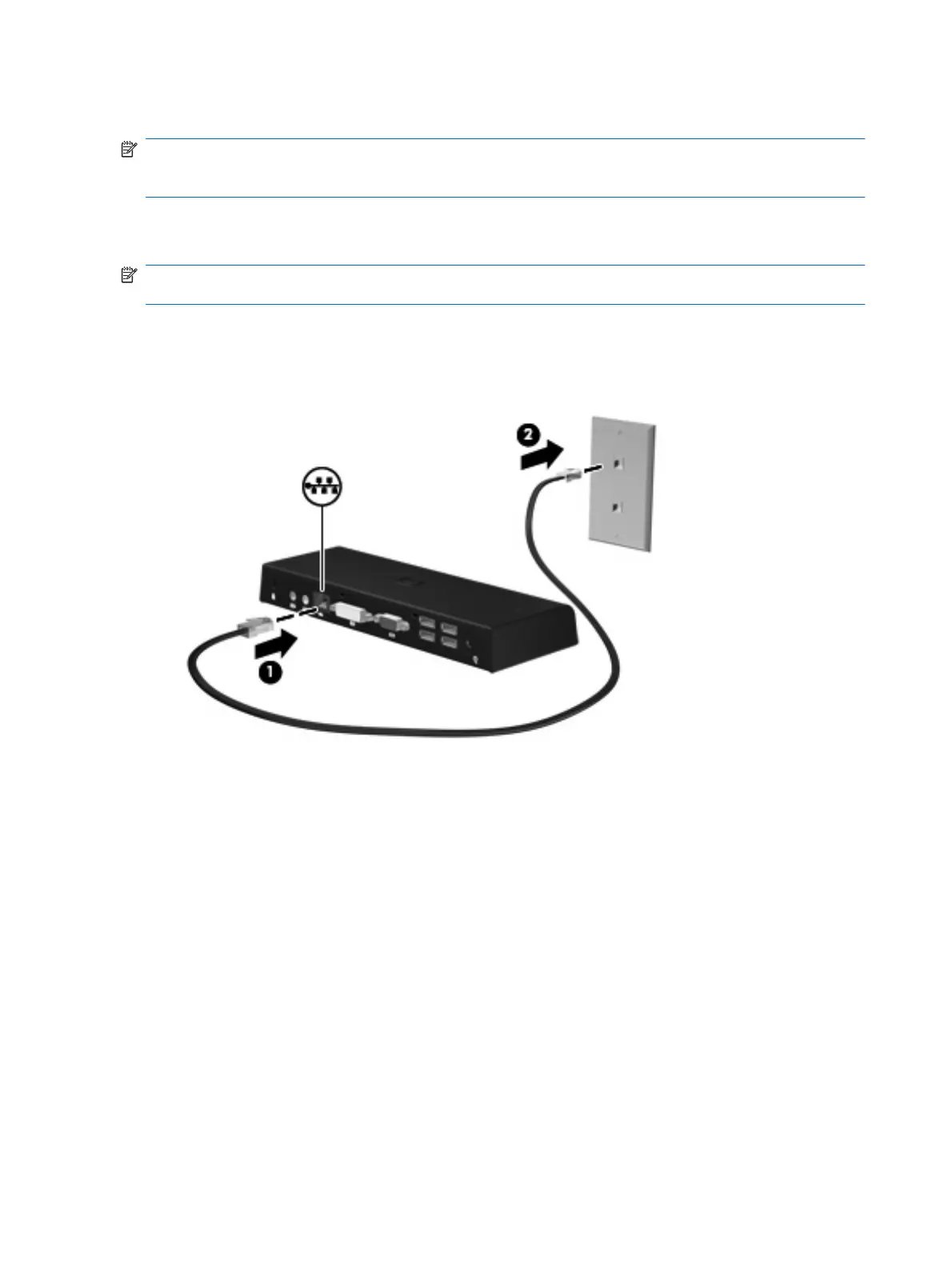
2. Connect one end of the Ethernet cable to the RJ-45 (network) jack on the docking station (1) and
the other end to an RJ-45 wall jack (2) or router.
10 Chapter 2 Using the docking station





 To Next Page