Table of contents
1 Getting started
Identifying components ........................................................................................................................ 2
Top components .................................................................................................................. 2
Front components ................................................................................................................ 2
Rear components ................................................................................................................ 2
Setting up the USB Docking Station ..................................................................................................... 4
Step 1: Connect to AC power .............................................................................................. 4
Step 2: Connect the computer ............................................................................................. 5
Setting up the software ......................................................................................................................... 6
Windows XP initial setup ..................................................................................................... 6
Windows Vista initial setup .................................................................................................. 6
Using the software ................................................................................................................................ 7
Using DisplayLink ................................................................................................................ 7
Using Windows Display properties ...................................................................................... 7
Using additional software features ....................................................................................... 7
Standby, Sleep, Hibernation, shutdown, and restart ........................................................... 8
2 Using the docking station
Docking station guidelines .................................................................................................................... 9
Connecting to a network ..................................................................................................................... 10
Connecting USB devices .................................................................................................................... 11
Connecting to a DVI or VGA display device ....................................................................................... 12
Connecting audio ............................................................................................................................... 13
Connecting an optional security cable ................................................................................................ 14
3 Disconnecting the computer
4 Troubleshooting
Solving common problems ................................................................................................................. 16
General use and connection problems .............................................................................. 16
Audio problems .................................................................................................................. 16
Video problems .................................................................................................................. 16
Getting more information .................................................................................................................... 17
Technical support ............................................................................................................................... 17
iii


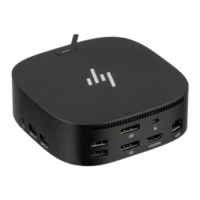
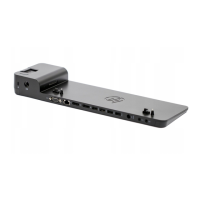
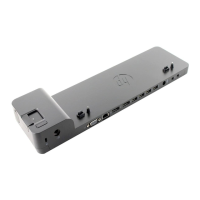


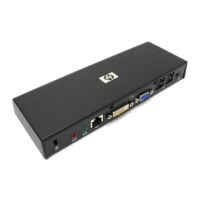

 To Next Page