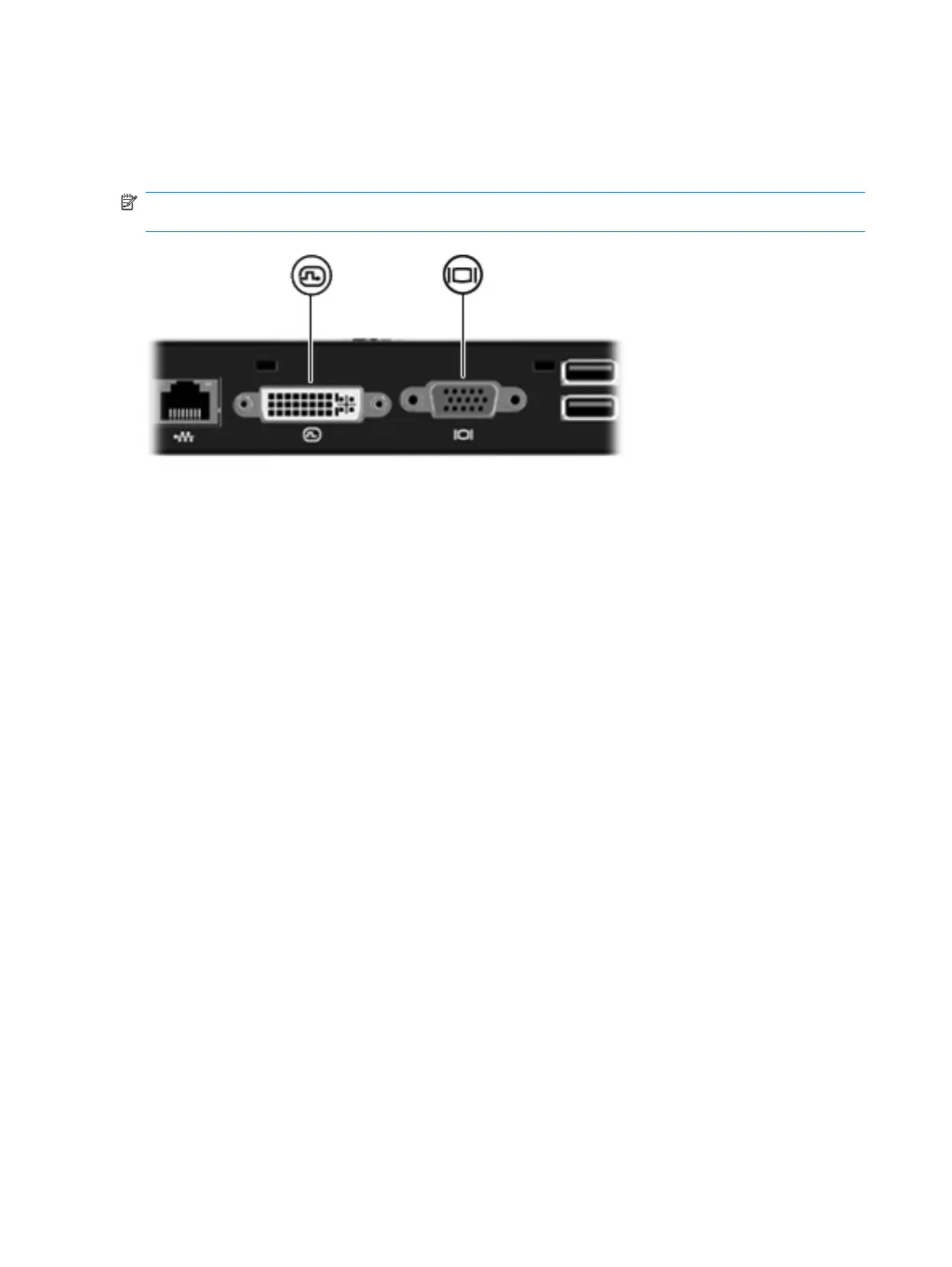
Connecting to a DVI or VGA display device
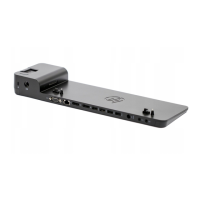
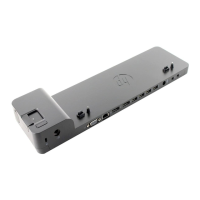
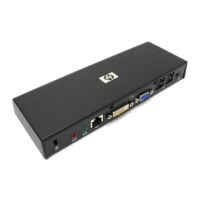
The docking station can also be connected to an external DVI or VGA display device, such as a monitor
or a projector, through the external monitor ports.
NOTE: If 2 display devices are connected, one to the DVI external monitor port and another to the
VGA external monitor port, only the device connected to the DVI external monitor port works.
12 Chapter 2 Using the docking station





 To Next Page