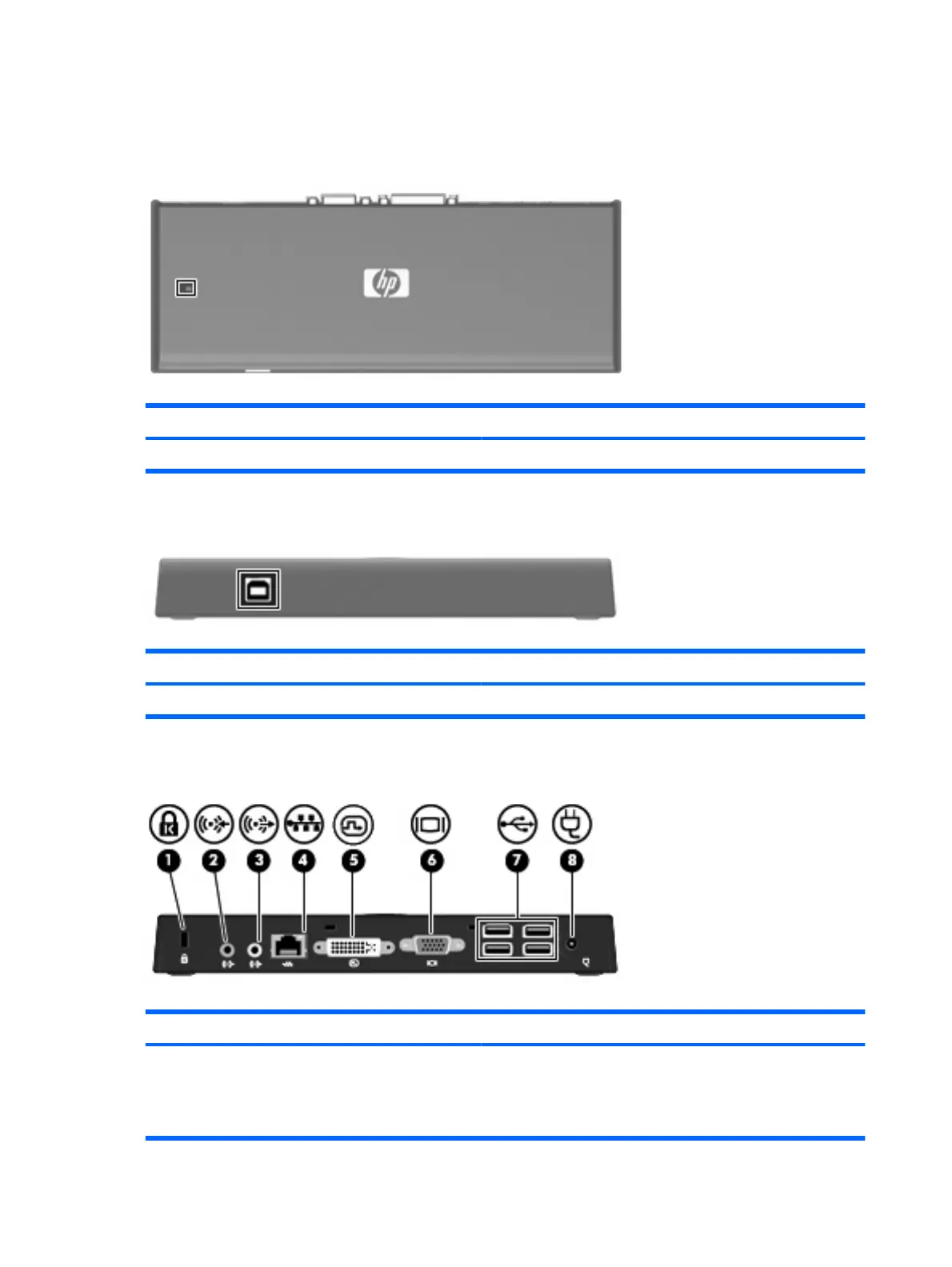
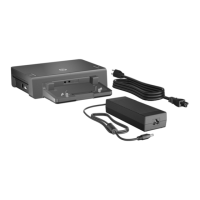
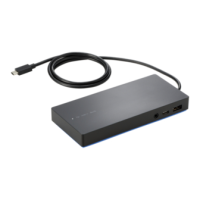
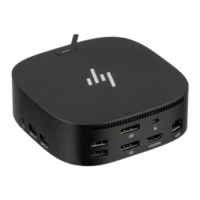
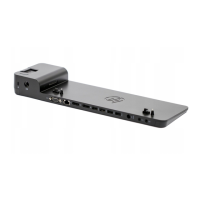
Identifying components
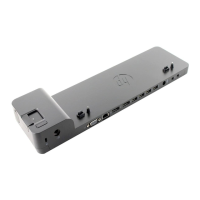
Top components
Component Description
(1) Power light On: The docking station is on.
Front components
Component Description
(1) USB port Connects the USB cable to the computer.
Rear components
Component Description
(1) Security cable slot Attaches an optional security cable to the docking station.
NOTE: The security cable is designed to act as a deterrent, but
it may not prevent the docking station from being mishandled or
stolen.
2 Chapter 1 Getting started





 To Next Page