Component Description
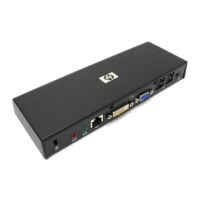
(2) Audio-in (microphone) jack Connects an optional computer headset microphone, stereo array
microphone, or monaural microphone.
(3) Audio-out (headphone) jack Produces computer sound when connected to optional powered
stereo speakers, headphones, ear buds, a headset, or television
audio.
(4) RJ-45 (network) jack Connects a network cable.
(5) DVI external monitor port Connects an optional external DVI monitor or projector.
(6) VGA external monitor port Connects an optional external VGA monitor or projector.
(7) USB ports (4) Connect optional USB devices.
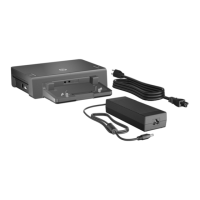
(8) Power connector Connects the docking station AC adapter.
Identifying components 3





 To Next Page