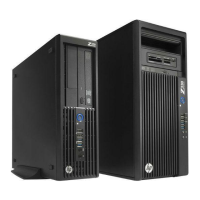
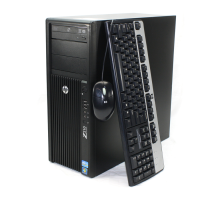
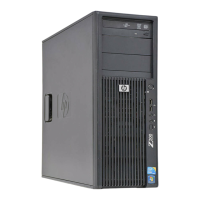
Bezel
This section describes how to remove and install the front chassis bezel.
Removing the front bezel
To remove the front bezel:
1.
Prepare the computer for servicing by following the
Predisassembly procedures on page 69.
CAUTION: Failure to follow the predisassembly procedures can result in equipment damage or
data loss.
2.
Remove the access panel (see
Removing the access panel on page 72).
3.
If the security screw is installed (next to the middle front bezel release tab), remove the screw. (See
Front bezel security on page 75.)
4.
Lift the release tabs (1), and then rotate the front bezel off the chassis (2).
Figure 5-5 Removing the front bezel
Installing the front bezel
To install the front bezel:, align the tabs discussed in the previous section and rotate the bezel until it
snaps in place.
1.
Align the tabs discussed in the previous section and rotate the bezel until it snaps in place.
2.
If you are using the bezel security screw, replace the screw next to the middle front bezel release
tab.
74 Chapter 5 Replacing components ENWW


 To Next Page