3
PGM-FI Setting
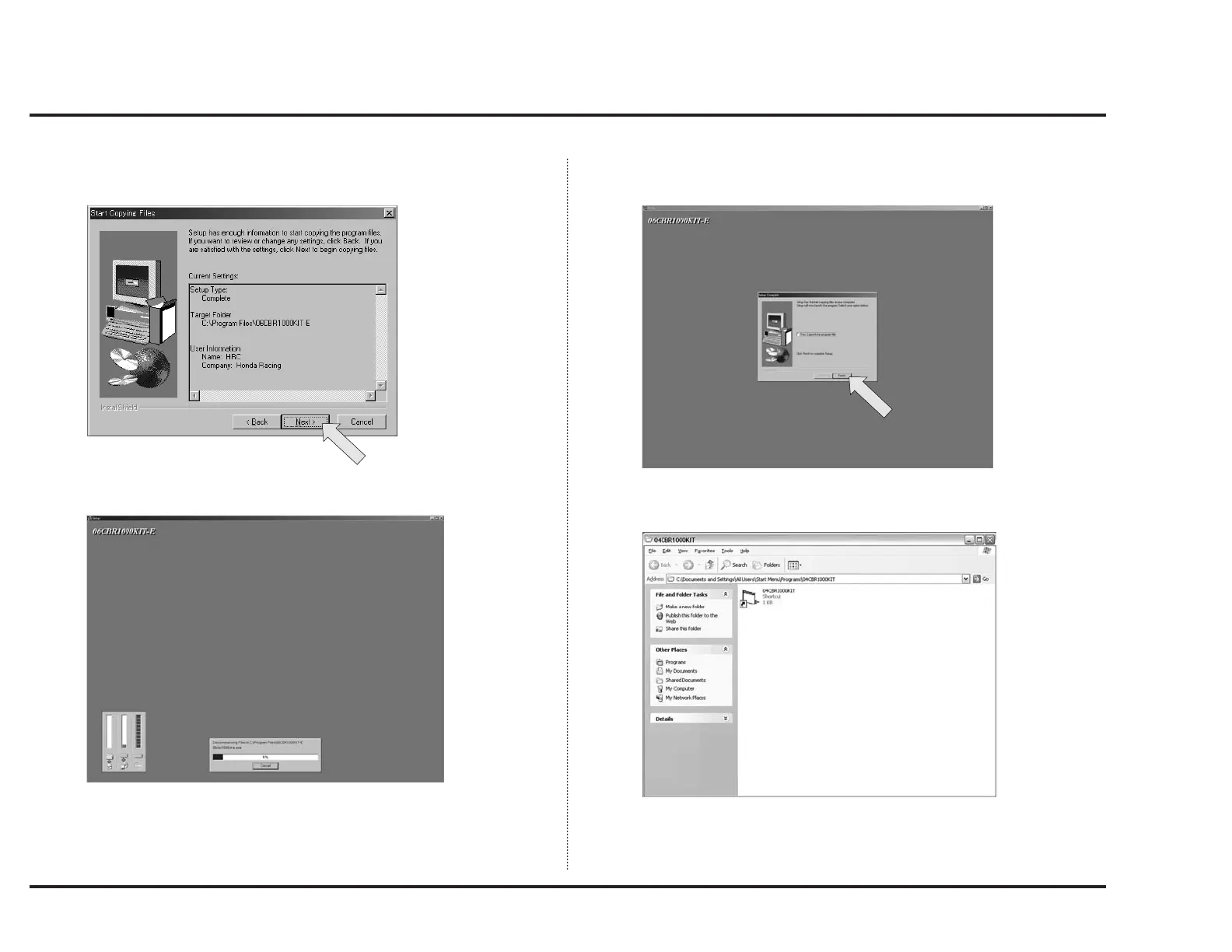
8. Confirm the folder and name etc. to install the application in, then click
“Next.”
9. A window like below will appear and installation is continued.
10. Now, installation is completed.
Click “Finish.”
When installation is completed, a shortcut folder like below will appear.
Use this folder putting on the desktop etc.



 To Next Page