Usage HTC 800 RX
24 2.0
4.7.2 Changing grinding tools
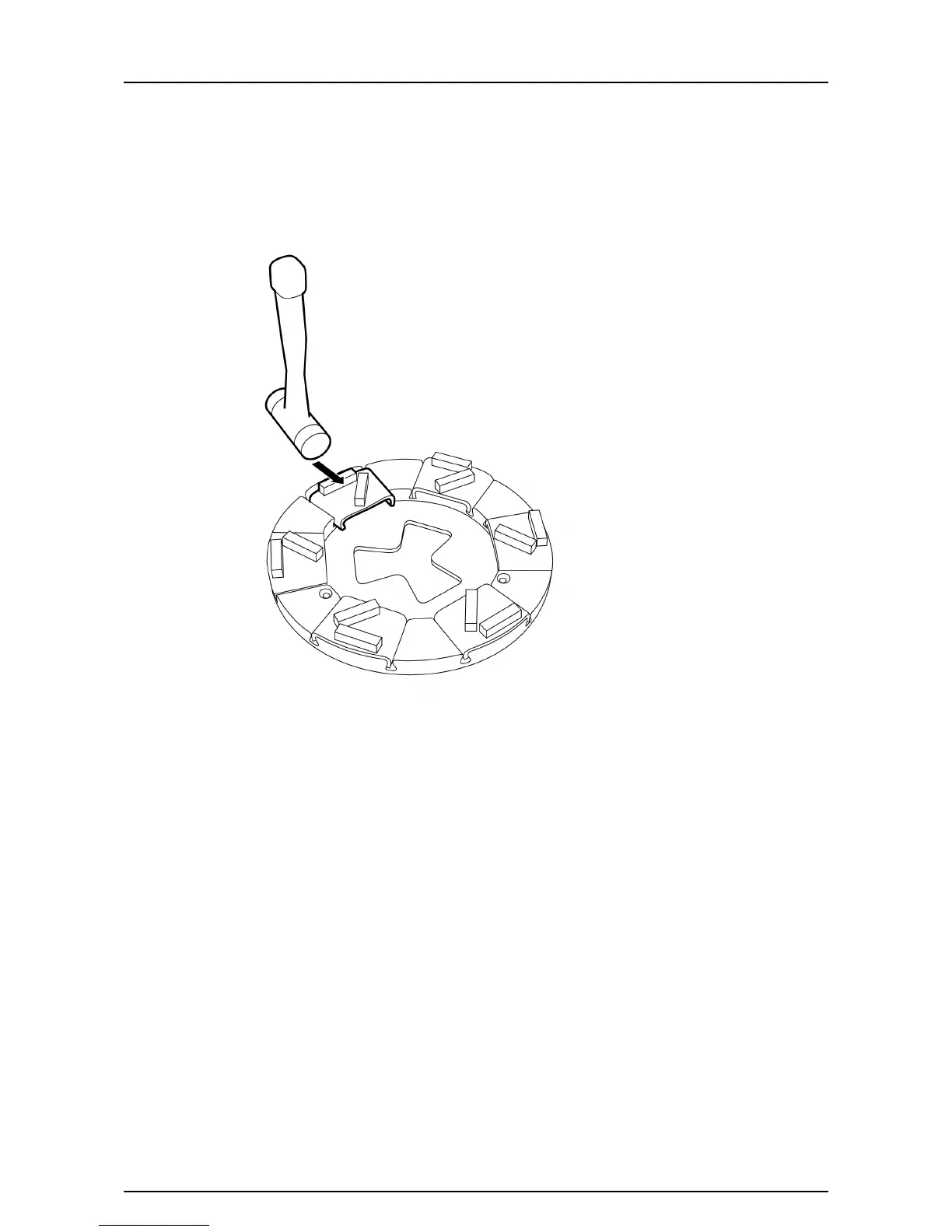
1. Remove the grinding tool by giving it a few light taps with a rubber hammer so
the locking mechanism releases, seeFigure4-14, page24. Then draw the tool
up out of the guide slot.
Figure 4-14. Removing grinding tools
2. Slide the grinding tool diagonally, from above, down into the appropriate guide
slot on the tool holder, seeFigure4-12, page23. Then push the tool fully into
the guide slot.
3. Lock the grinding tool into the tool holder by giving it a few light taps with a
rubber hammer - see Figure4-13, page23.



 To Next Page