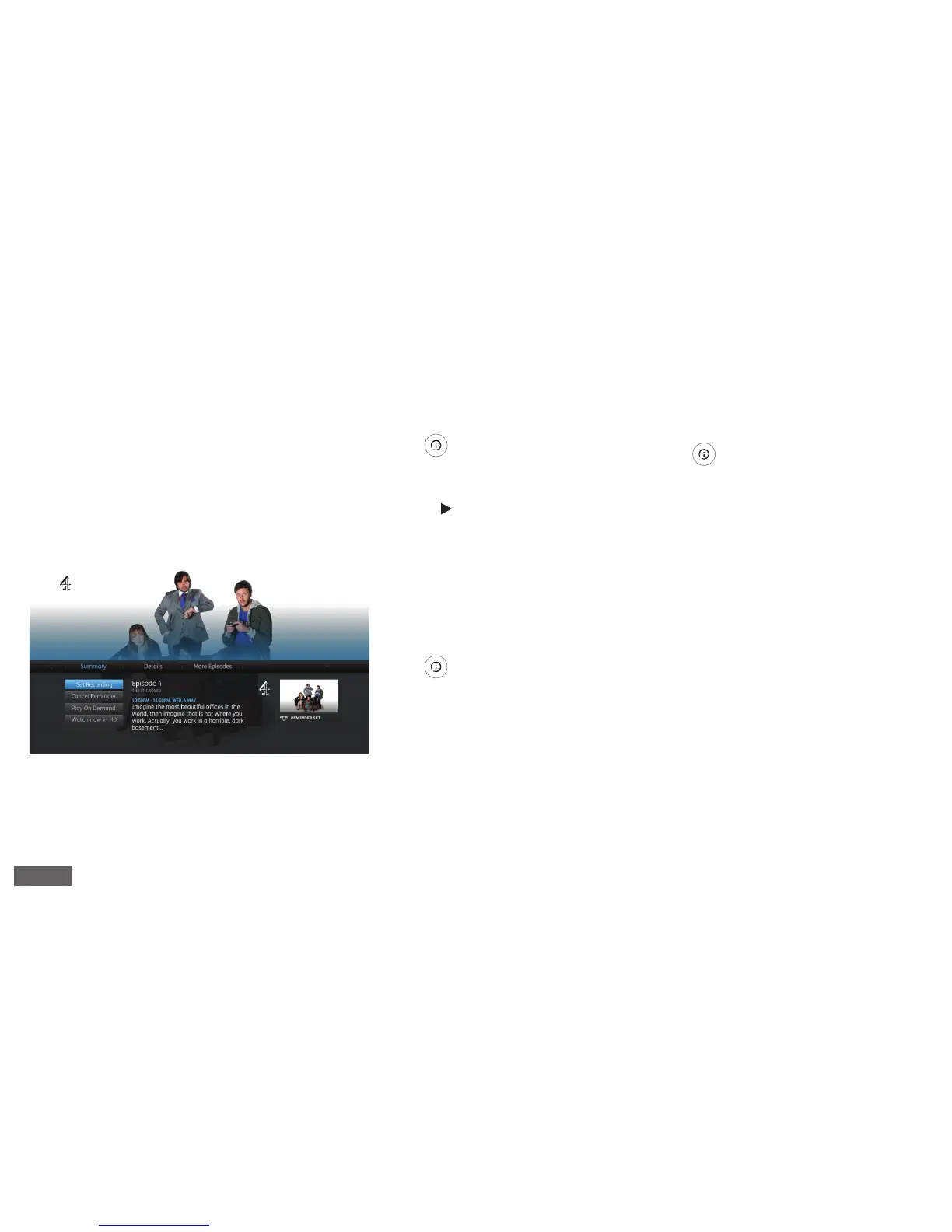
More episodes
Press to bring up the Information
Panel and see if more episodes of the
programme you’ve selected are available.
1. Press (Right arrow) to select “More
Episodes”
2. Highlight the episode you’d like watch
and press OK
Manage recordings
Press to bring up the Information
Panel. You can set, play or cancel a
recording and set reminders. Use the
up and down arrow keys to select the
required action and press OK.
Programme information
Press to bring up the Information
Panel to get more information about a
programme.
Please note: Watching On Demand and Catch Up programmes will count towards any monthly broadband data allowance you may have. Please go to youview.com/
support for more detail.
Watched a great programme and want to fi nd
another episode? Easy. Whether you’re watching
a show on live TV, a recording or just browsing on
demand, with the simple press of a button you
can fi nd and watch all related episodes.
NOTE
More Information: Information Panel
NOTE
7


 To Next Page