Browsing Programmes
Having a great variety of TV shows, fi lms and radio to choose from is a good thing, but it can also make it hard to know
where to start. That’s why YouView has made it easy to fi nd your favourites and discover what’s new.
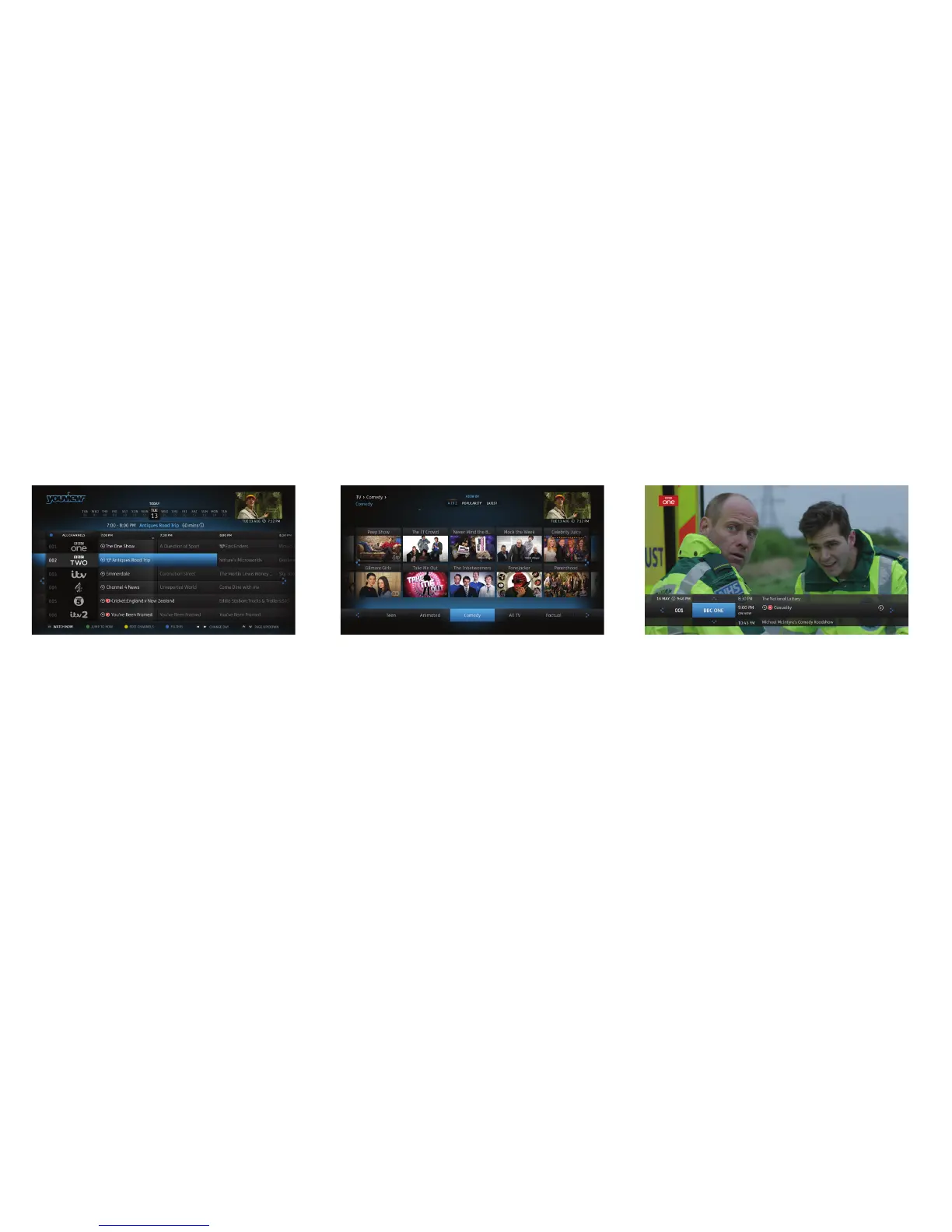
TV guide
The Guide is your electronic TV and Radio
listings. It not only shows you what’s on TV and
radio for the next 7 days, but it also lets you
catch up on many programmes you may have
missed in the past 7 days.
See page 5 for more information.
On demand
Forgot to record your favourite programme?
Don’t worry - it’s probably already waiting in On
Demand, along with lots of other great fi lms and
series.
See page 6 for more information.
Mini guide
Use the Mini Guide to scroll quickly through
channels whilst still watching TV. To display
the Mini Guide and see what’s on now, what’s
available in Catch Up TV or what’s coming up,
press OK or any arrow button. You can then
scroll up to 12 hours backwards or forwards to
fi nd something to watch.
4


 To Next Page