Recording: Extras
Recording two programmes
Your YouView box lets you watch one
programme while recording another. You
can even record two programmes at the
same time while watching another from
Catch up, On Demand or MyView.
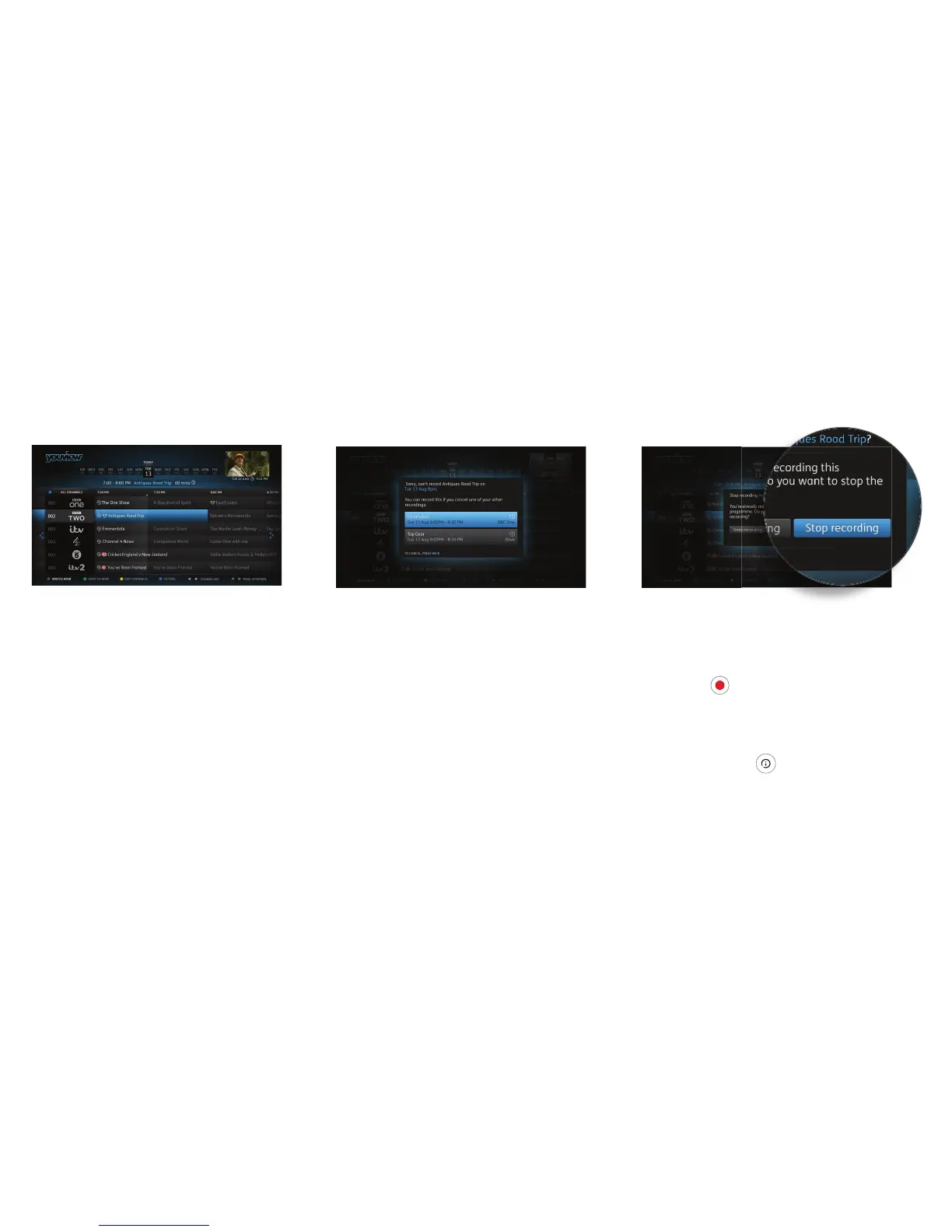
Recording clashes
If you try to record too many programmes
at the same time, it will create a clash.
YouView will let you know if there is a clash
and suggest how you can resolve it (e.g. by
cancelling another scheduled recording).
Cancelling a recording
To cancel a recording, go to the Guide, fi nd
the programme you’d selected to record
and press
R
again on the remote control.
You can also cancel a recording through
MyView or the Mini Guide – fi nd the
programme in your list of scheduled
recordings, press
to open the
Information Panel and then select Stop or
Edit Recording.
11


 To Next Page