NOTE
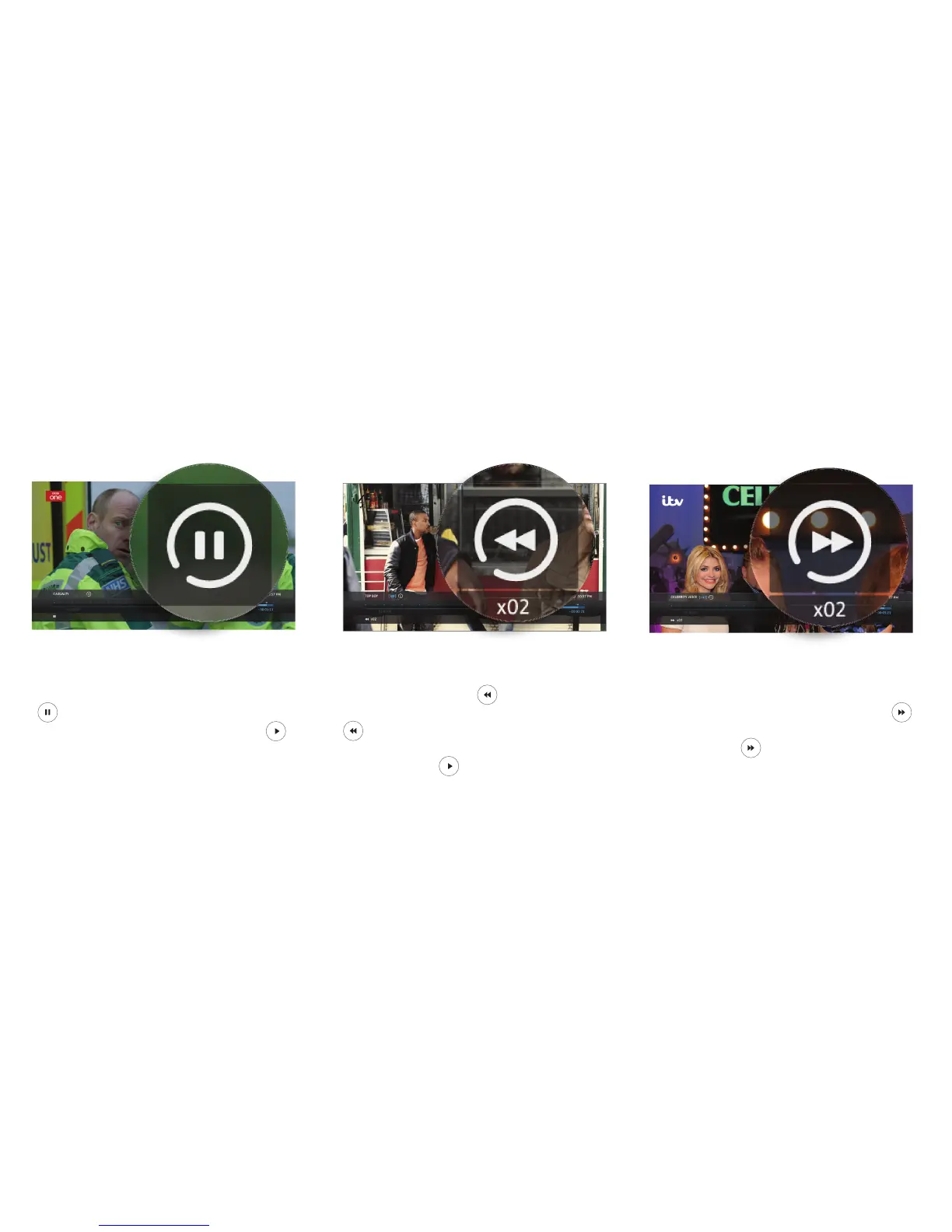
Pause
To pause live TV for up to two hours, press
. When you are ready to continue watching
the programme you have paused, press .
Rewind
To rewind live TV, press . You can rewind at
different speeds from slow to fast by pressing
again, up to 4 times. When you are ready
to continue watching the programme you are
rewinding, press .
Fast forward
If you paused or rewound live TV you can fast
forward through the recording by pressing .
You can forward at different speeds from slow to
fast by pressing again, up to 4 times.
Pause, Rewind, Fast Forward
YouView gives you complete control over the way you interact with live TV, Catch Up, On Demand or recorded
programmes.
8


 To Next Page