Recording
Live TV
Guide
Information Panel
Mini Guide
Torn between a big night out and that big season
fi nale? Don’t be. YouView makes it easy to record
your favourite programmes.
Setting a recording
To record the programme
you’re currently watching,
press
R
on the remote
control.
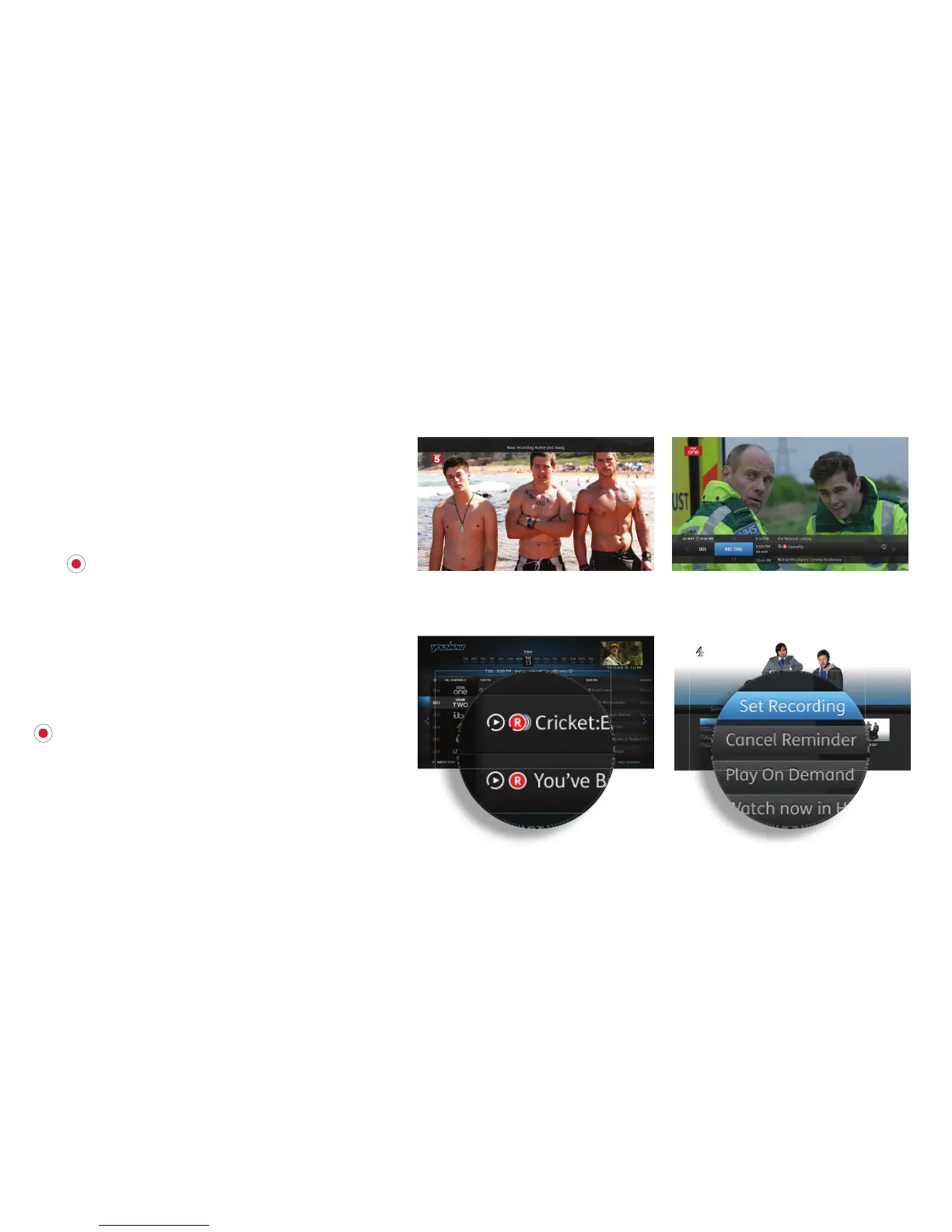
You can also set a recording
now or in the future within
the Guide, Mini Guide or the
Information Panel (as shown
in the pictures on the right).
Use the arrow keys to locate
your programme, then press
R
(See page 11 for details
of how to play a recorded
programme.)
Series recording
If the programme you want
to record is part of a series,
you will be given the option to
record the selected episode or
the whole series.
If you choose to record the
whole series, every episode
that then airs on the channel
will be recorded, even if the
time slot changes.
Any programmes you
have recorded or that are
scheduled to be recorded are
listed in MyView. For more
information, see the MyView
section.
10


 To Next Page