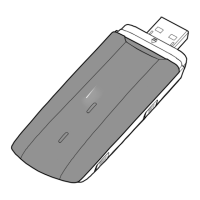
• Blue, blinking once every 2s: The 3G /3G+ network has already been registered.
• Cyan, blinking once every 2s: The LTE network has already been registered.
• Green, solid: The USB Stick is connected to a 2G network.
• Blue, solid: The USB Stick is connected to a 3G network.
• Cyan, solid: The USB Stick is connected to an LTE network.
• Off: The USB Stick is removed.
After the device is inserted into the USB port, the indicator will turn solid green, indicating that
the software startup process has initiated. After the startup is complete, the indicator works as
detailed above.
SIM Card Slot
It holds a Subscriber Identity Module (SIM) card.
Getting Your USB Stick Ready
1 Slide the cover to remove it from the USB Stick.
2 Insert the SIM card into the corresponding card slots, as shown in the following figure.
3 Replace the cover and slide it into place.
2



 To Next Page