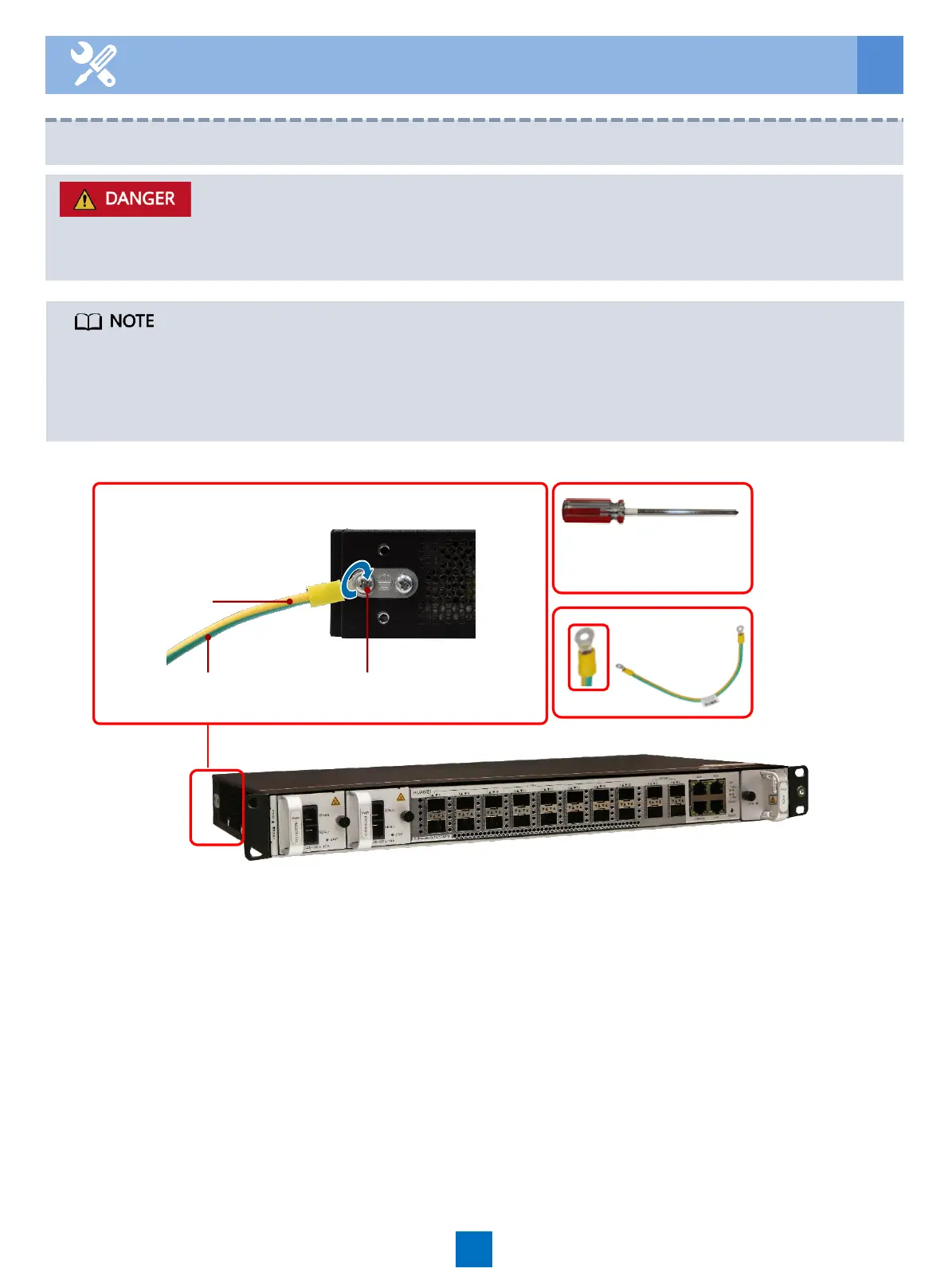
6.1 Routing the PGND Cable
Connect the PGND cable properly to ensure that the service subrack is protected from the
lightning and other interferences.
6 Routing Cables
• When the device is installed in a Huawei cabinet, the mounting ears at both ends can be
grounded. No additional ground cable is required.
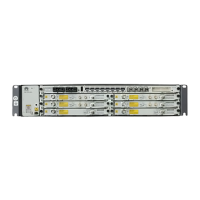
• Two ground points are designed for the EA5801E. One is at the left rear of the device, and
the other is at the mounting ear position. You can select either one during installation.
PGND cable
To the ground point of
the cabinet
PGND cable
M4 screw
Phillips screwdriver
15





 To Next Page