12
bold while ensuring that the new IP
address is still in the IP address range.
Examples:
IPv4 address: 192.168.1.1
IPv6 address:
2001:0:0:0:200:55:26:1
Gateway address that corresponds to
the TE30 IP address.
Contact your network
administrator.
This parameter is mandatory when
Connection type is set to Static IP.
Examples:
IPv4 address: 192.168.1.1
IPv6 address:
2001:0:0:0:200:55:0:1
Click OK to save your settings. Then proceed based on your settings:
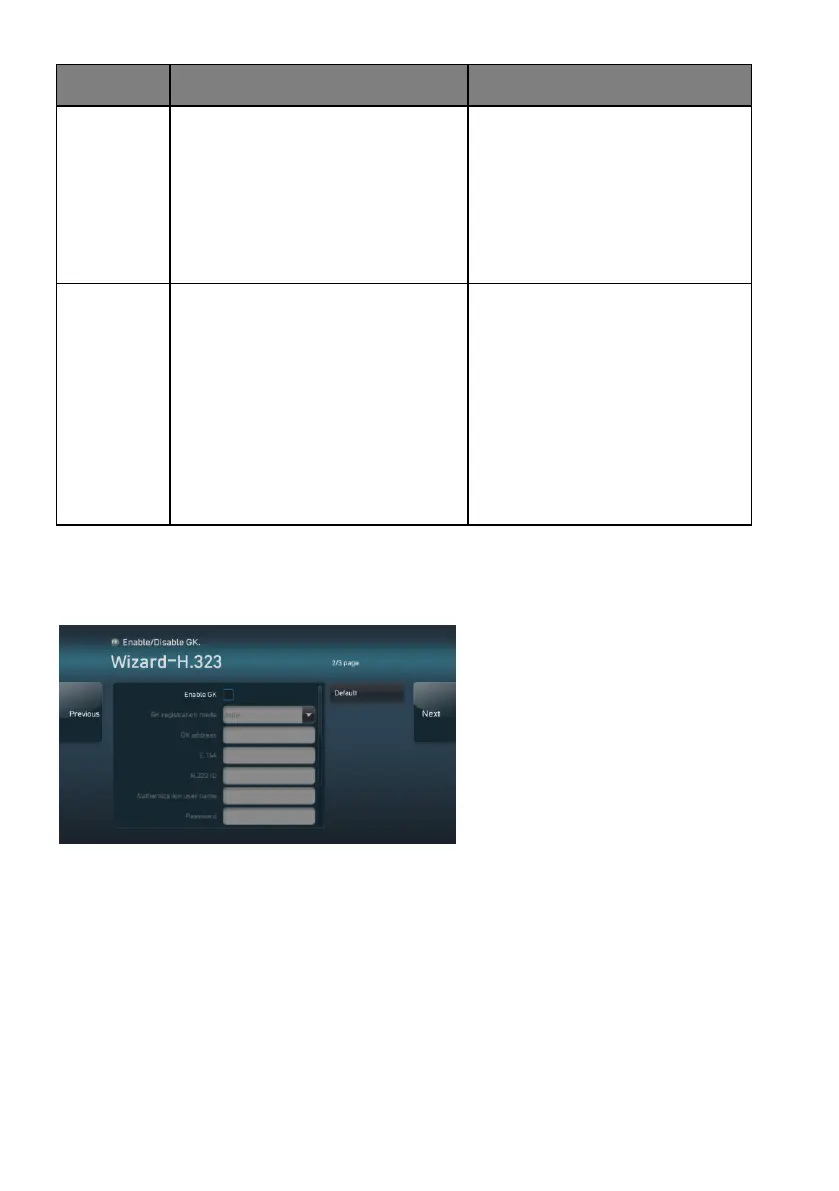
Setting H.323 Parameters
If the attempt to obtain the NMS
server settings fails, the screen shown
on the left is displayed. Set the H.323
parameters on this screen.





 To Next Page