HUAWEI TE80 Videoconferencing Endpoint
Administrator Guide
Huawei Proprietary and Confidential
Copyright © Huawei Technologies Co., Ltd.
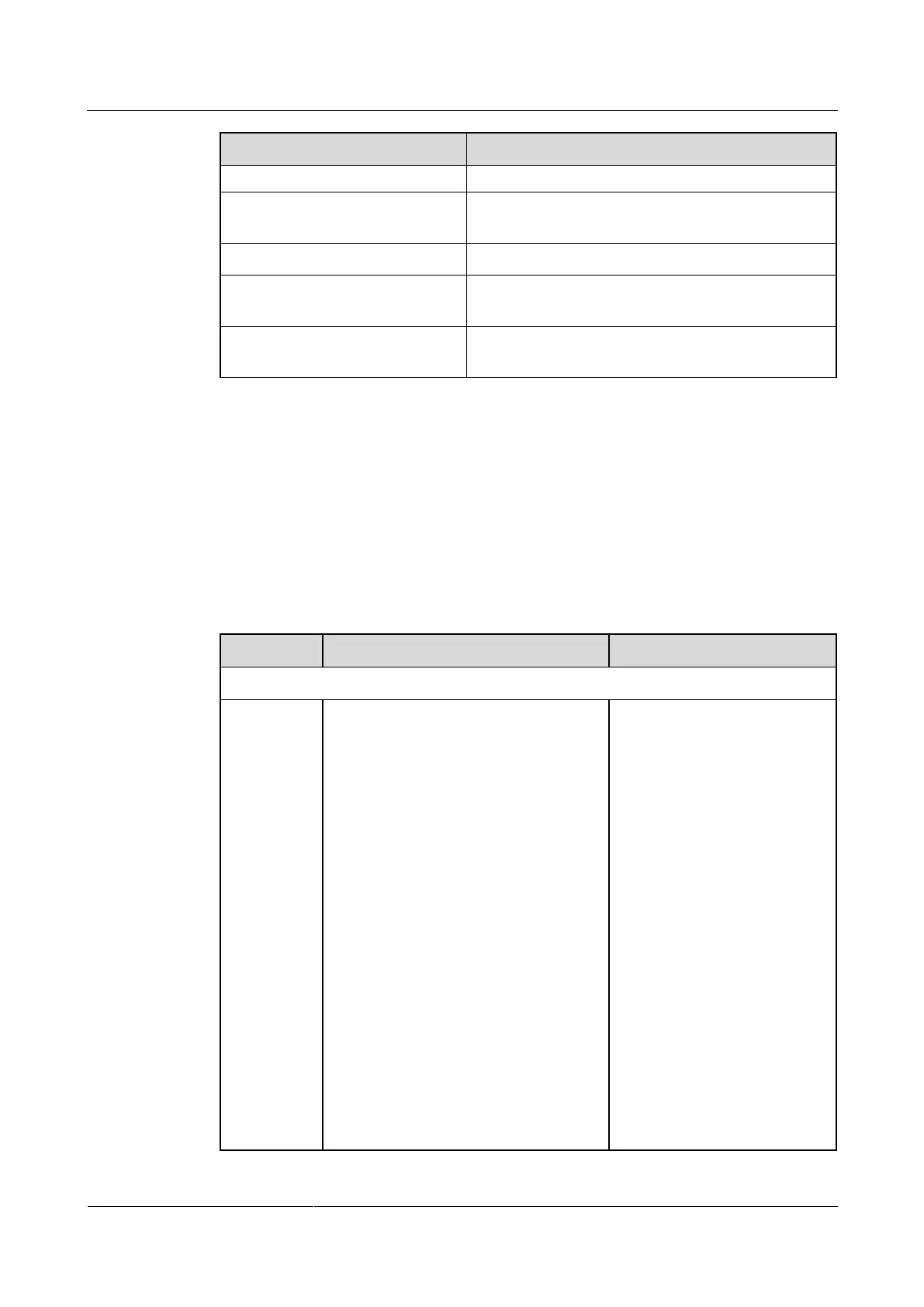
The orange indicator blinks thrice
at a time.
The LAN port is in 1000 M network port mode.
The green indicator is steady on.
The endpoint is connected to a network.
The green indicator blinks.
Data is being transmitted. The green indicator turns
off each time a frame of data has been transmitted.
The green indicator is off.
No data is being transmitted or the network is not
reachable.
3.1.2 Setting IP Parameters
To enable video communication over an IP LAN network, you must set the IP parameters of
the endpoint, such as the DNS server address, network mode, and gateway IP address.
Procedure
Step 1 Choose Advanced > Settings > Network > IP. Set the parameters listed in Table 3-3.
Table 3-2 IP parameters
Specifies the working mode for the
network ports on the endpoint.
Auto detection: When accessing the
network, the endpoint automatically
negotiates with a remote network
device to determine the optimal work
mode.
10 Mbps and half duplex: The data
transmission rate is 10 Mbit/s, and
data cannot be sent and received at
the same time.
10 Mbps and full duplex: The data
transmission rate is 10 Mbit/s, and
data can be sent and received at the
same time.
100 Mbps and half duplex: The data
transmission rate is 100 Mbit/s, and
data cannot be sent and received at
the same time.
100 Mbps and full duplex: The data
transmission rate is 100 Mbit/s, and
data can be sent and received at the
The default value is Auto
detection.
NOTE
When you do not know the
network port working mode of a
remote network device, set this
parameter to Auto detection.
Otherwise, the endpoint may fail
to access the network.



 To Next Page