Huawei Proprietary and Confidential
Copyright © Huawei Technologies Co., Ltd.
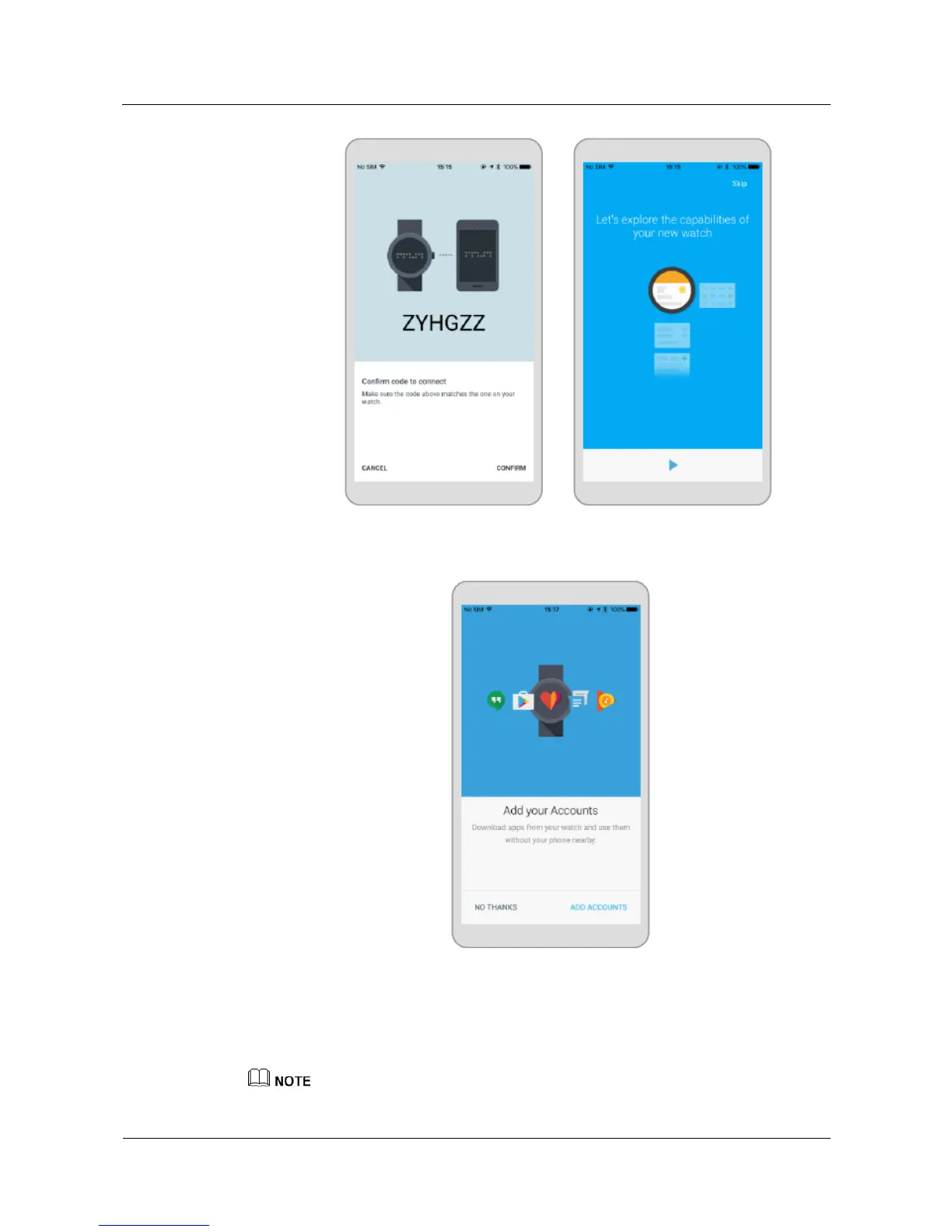
3. Touch ADD ACCOUNTS to add a Google account, and follow the onscreen
instructions.
4. After your watch is paired with your phone, Connect ed will be displayed on the upper
left corner of the Android Wear app home screen.
When the watch face is displayed, pairing and synchronization between your watch and
your phone are finished. You can then follow the onscreen instructions to learn
commonly used gestures and basic operations tips.
'
z
You iPhone can only pair with one watch at a time.















 To Next Page