Proprietary and Confidential
Copyright © Huawei Technologies Co., Ltd.
6
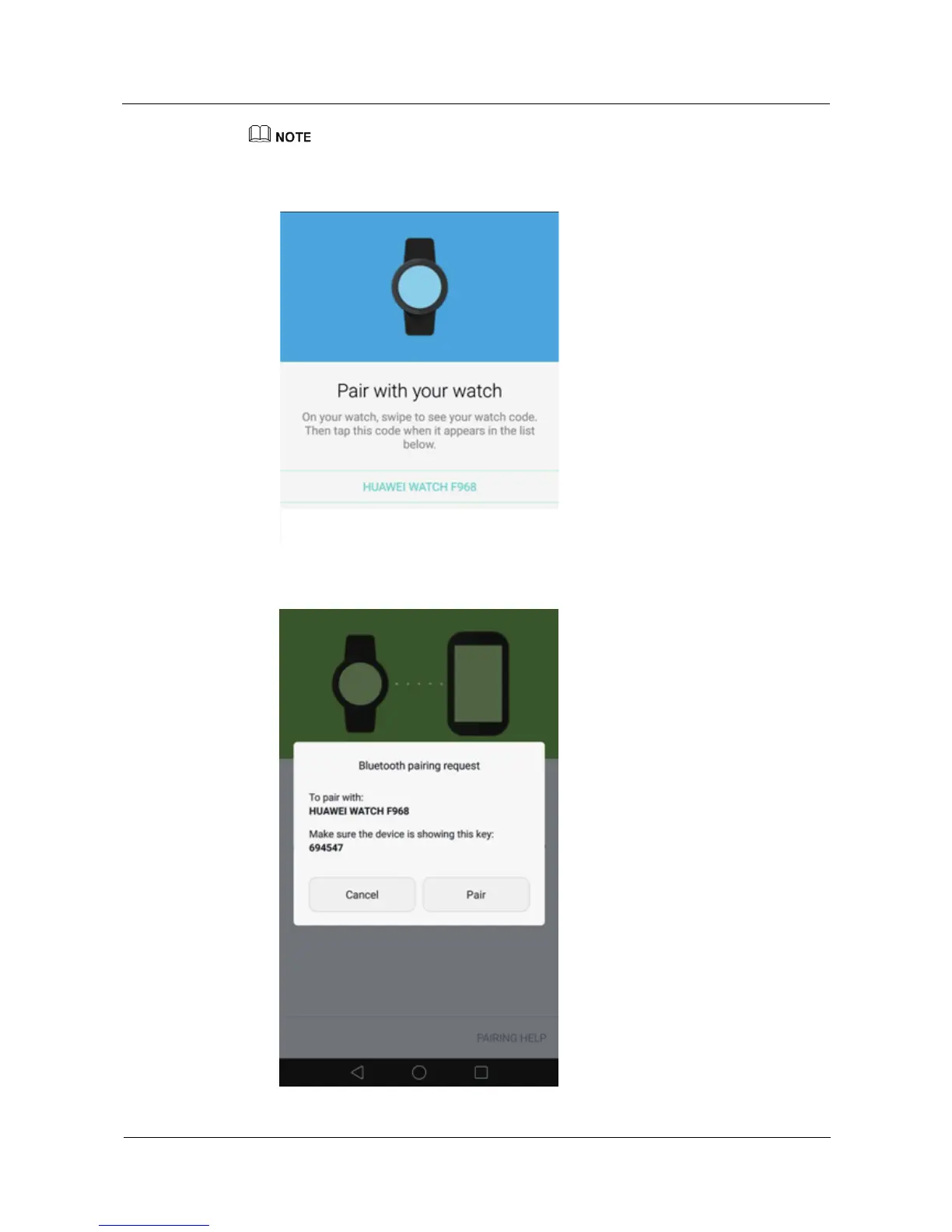
If the phone does not display your watch name, touch the refresh icon on the pairing screen and try again.
If the phone keeps failing to display the name of your watch, press and hold the watch crown for 3
seconds, swipe on the screen, and choose Settings > Unpair with phone to restore your watch to its
factory settings, and then try pairing again.
2. Touch your watch name and the Bluetooth pairing request dialog box appears. Make
sure the pairing key displayed on the phone screen is consistent with that displayed on
your watch.















 To Next Page