Proprietary and Confidential
Copyright © Huawei Technologies Co., Ltd.
28
6 Ok Google
6.1 Using voice service
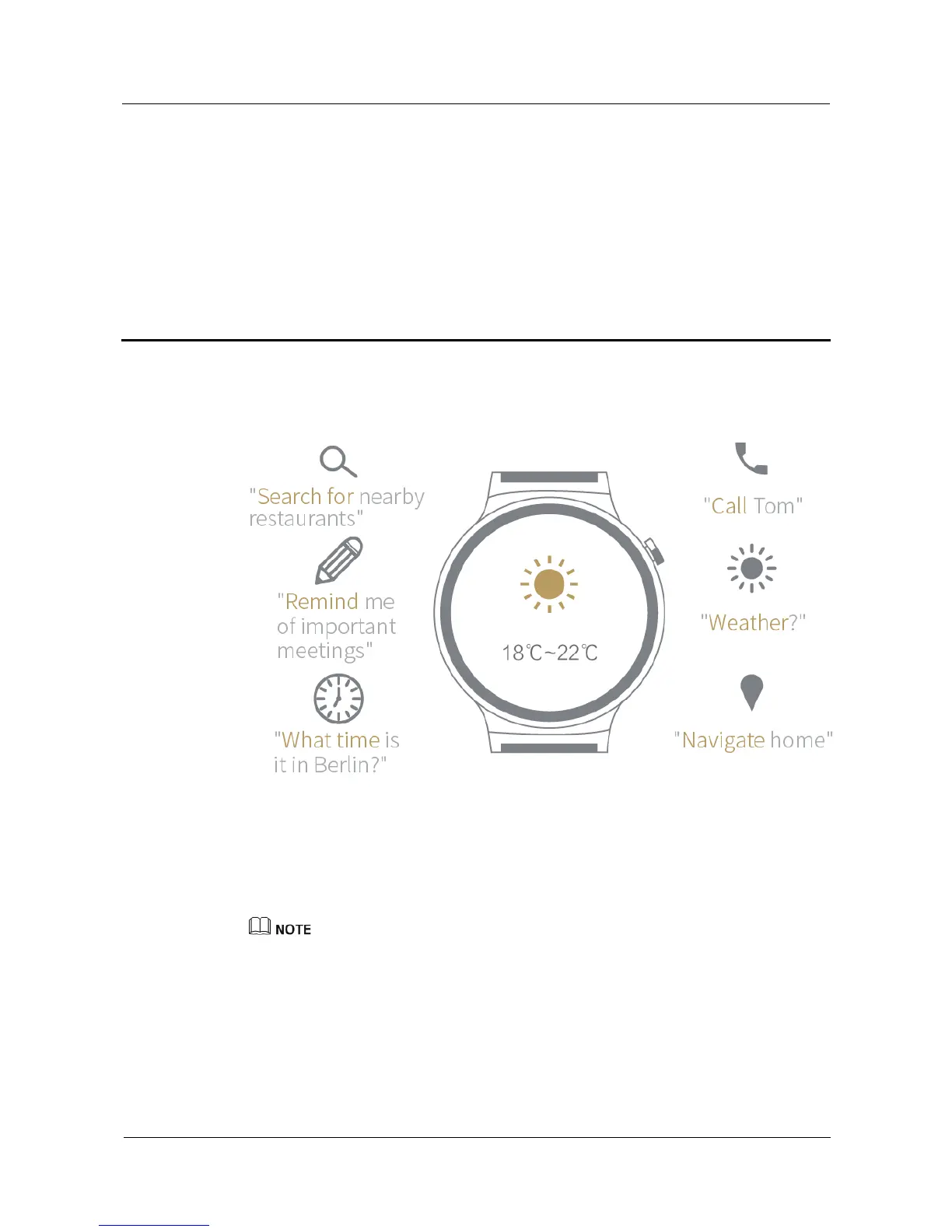
You can use either of the methods below to interact with your watch using voice commands:
Say "OK Google" when the home screen is displayed. The letter "g" will be displayed on
a white screen. You can now issue voice commands to interact with your watch.
When Speak now is displayed on the Ok Google screen, you can issue voice commands
to interact with your watch.
Keep your HUAWEI WATCH connected to your phone and make sure you have an available
Internet connection.
Some languages may not be supported.
6.2 General commands
Google Commands include the following commands:















 To Next Page