Proprietary and Confidential
Copyright © Huawei Technologies Co., Ltd.
20
4 Messaging Assistant
4.1 Viewing notifications
Viewing notifications
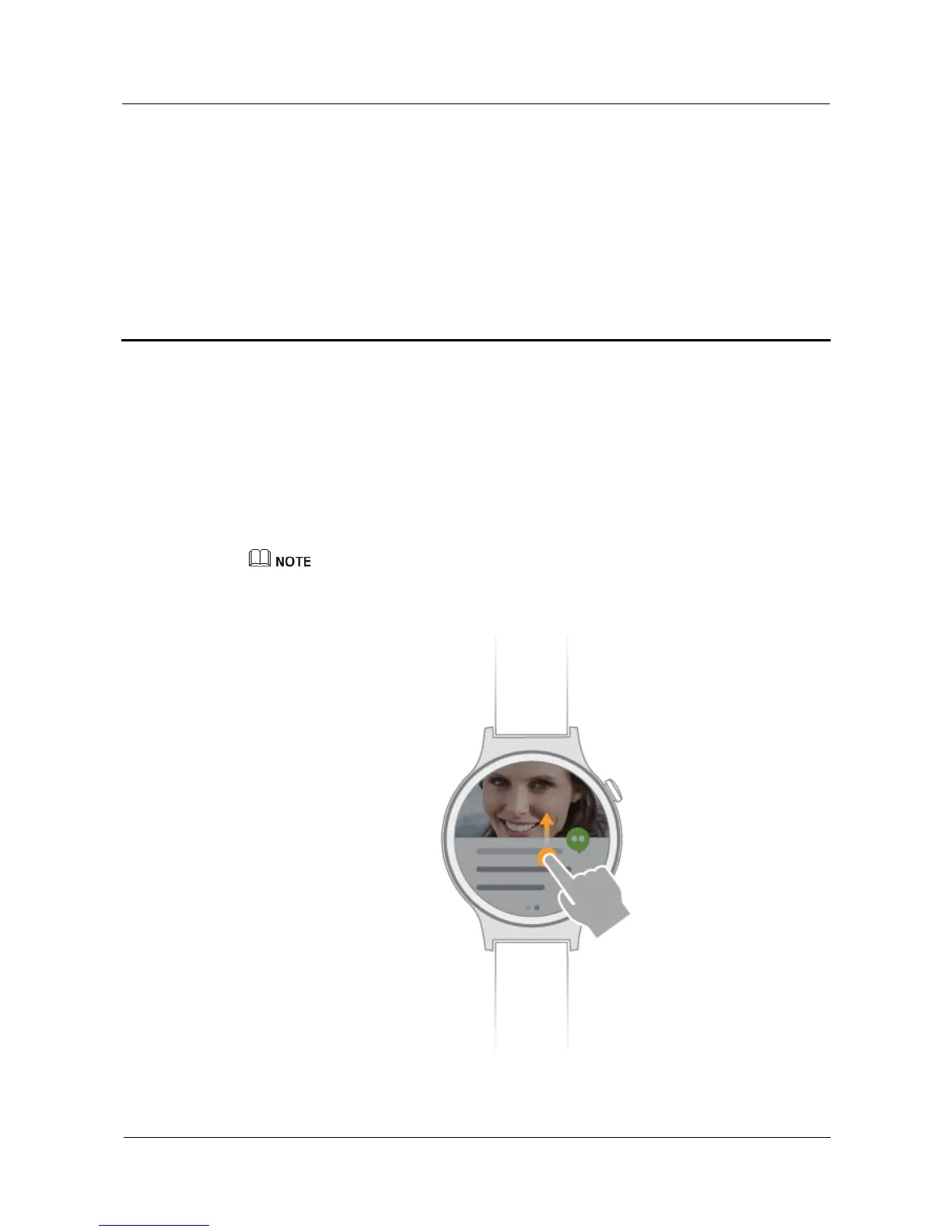
When your watch vibrates, raise your wrist and swipe up on the notification card to view it.
Notifications that are not viewed immediately will be saved on your watch so that you can
check later.
Keep swiping up on the screen to view more notifications.
Operations on your watch do not affect the notifications on your phone. You can still check the
notifications on your phone like normal.
Clearing notifications















 To Next Page