Proprietary and Confidential
Copyright © Huawei Technologies Co., Ltd.
13
3 Common Information
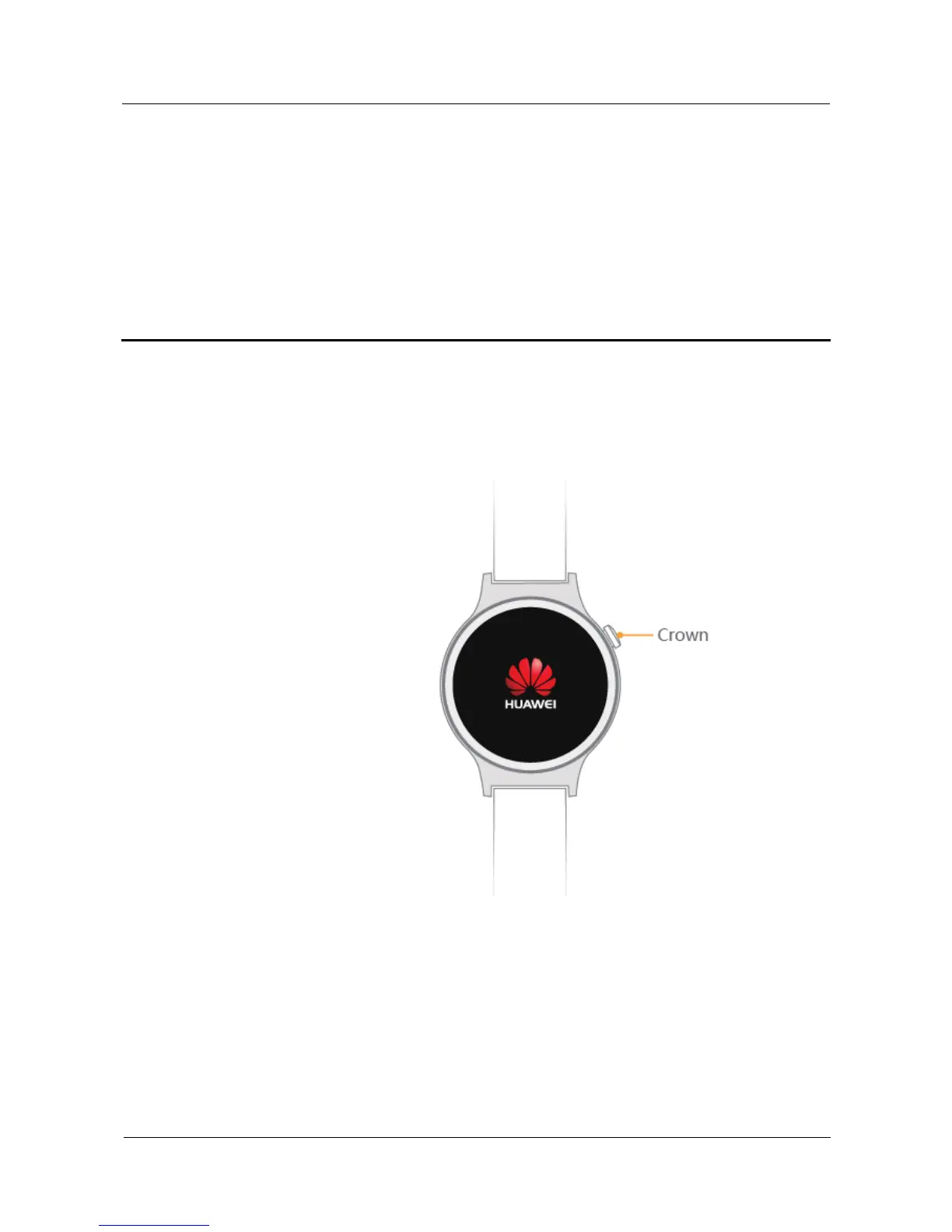
3.1 Watch crown
The watch crown is located at the two o'clock position to maximize user
convenience.
Single-press:
When the screen is turned off, press the watch crown to turn it on.
When a non- home screen is displayed, press the watch crown to return to the home
screen.
When you watch is in theater mode, press the watch crown to exit this mode.
Double-press:
Double-press the watch crown to quickly enable theater mode.















 To Next Page