Proprietary and Confidential
Copyright © Huawei Technologies Co., Ltd.
3
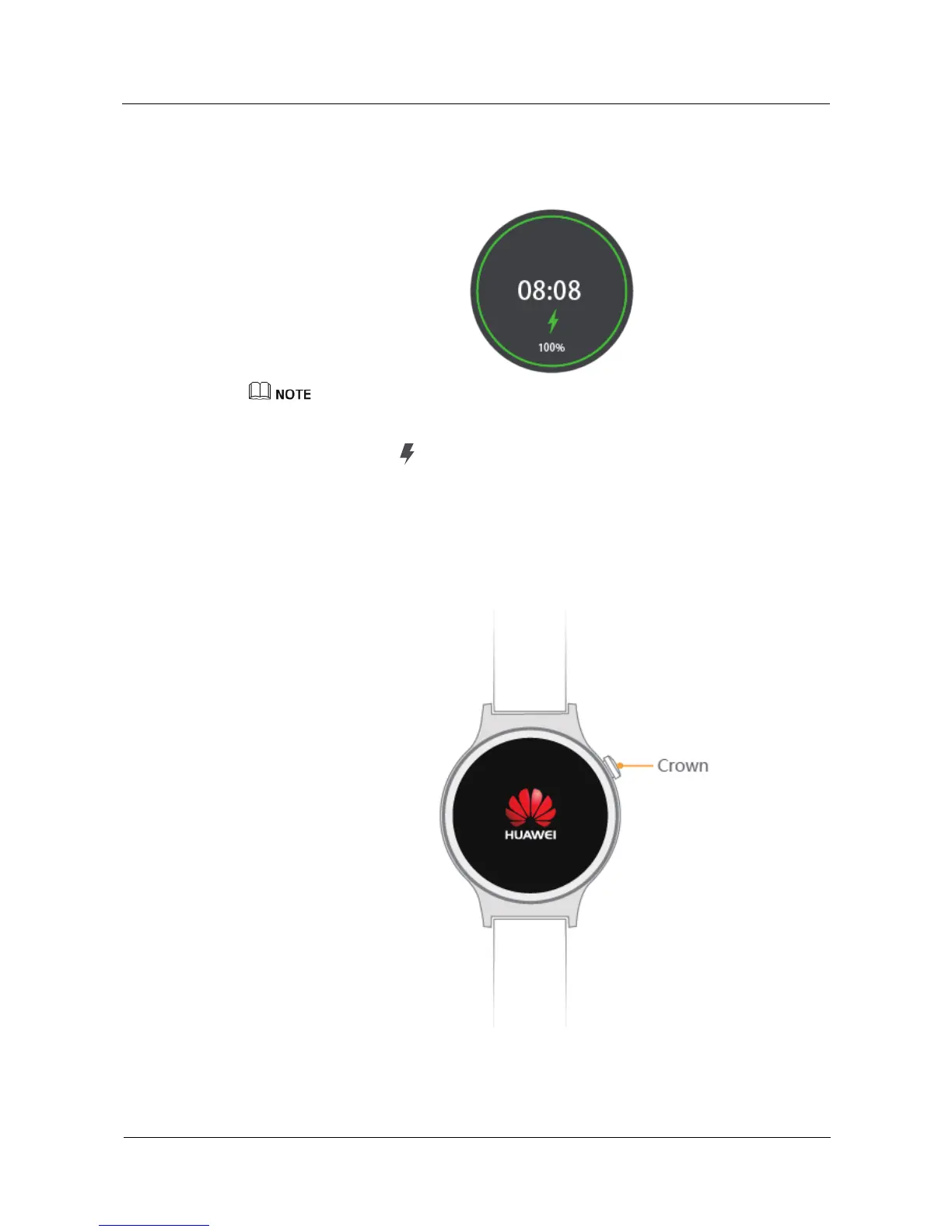
3. When your watch is fully charged, 100% will be displayed on the watch screen. At this
time, your watch will automatically detect the charging status and stop charging. Please
remove the charging cradle once the watch is fully charged.
Fully charging your HUAWEI WATCH may take about 90 minutes.
Keep the charging port dry and wipe off any water or sweat.
The recommended ambient temperature for charging is 32 to 95°F.
The lightning icon indicates that the watch was successfully connected to a power source.
If your watch is powered off, it will turn on automatically when you connect it to a power source.
1.4 Power on/off
Power on:Press and hold the power button until the screen displays HUAWEI logo.
Power off: Swipe left on the home screen and select Settings > Power off.















 To Next Page