27
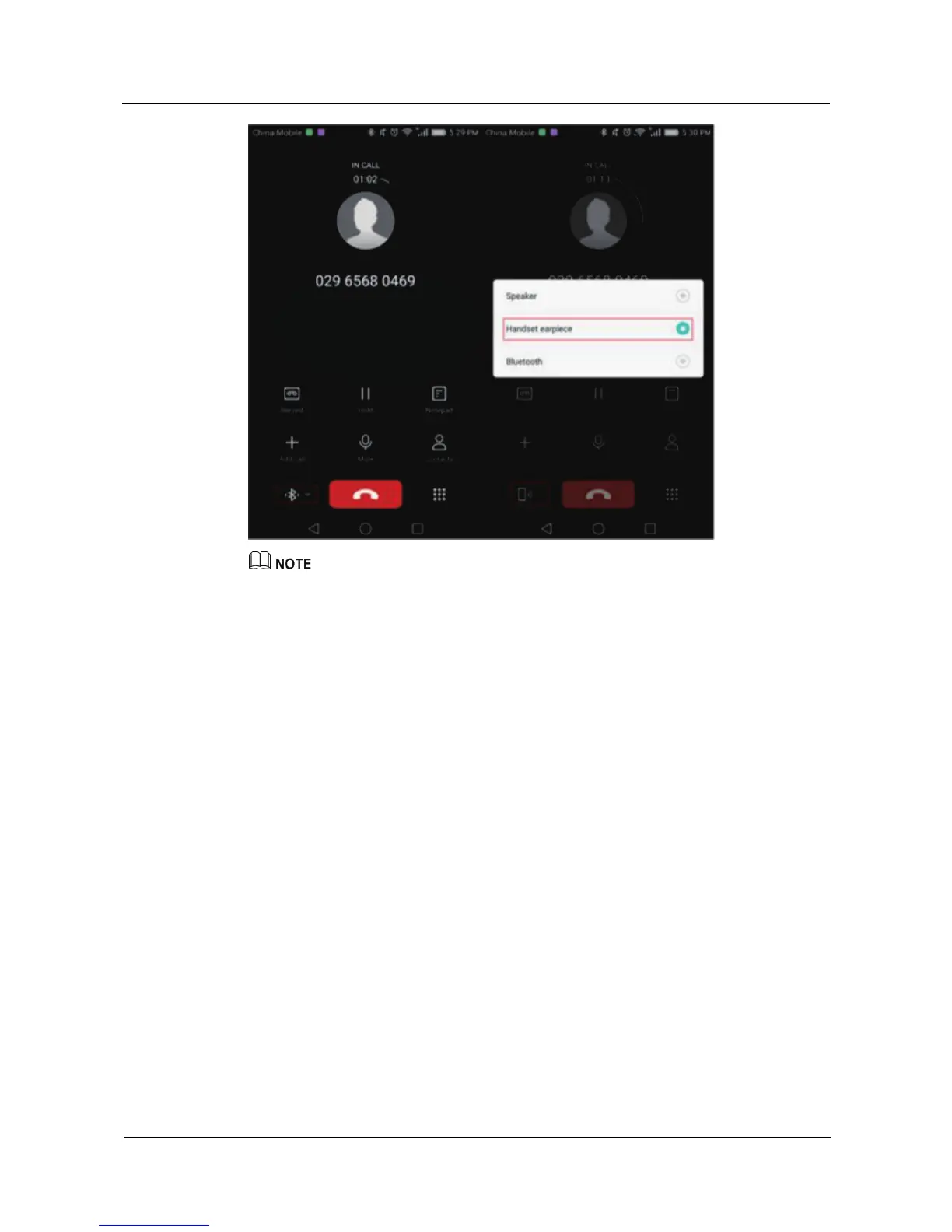
If you have not enabled Bluetooth calling on your watch, call functions (call screen, call audio) will
only be available on your phone. This applies even if you use your watch to dial a number, or touch
a notification card on your watch to call back a missed caller.
Call logs on the watch and phone will show calls made on either device.
5.6 Adjusting the call volume
When you are on a call, swipe up from the bottom of the call screen and select Volume from
Call options to adjust the call volume.















 To Next Page