Proprietary and Confidential
Copyright © Huawei Technologies Co., Ltd.
9
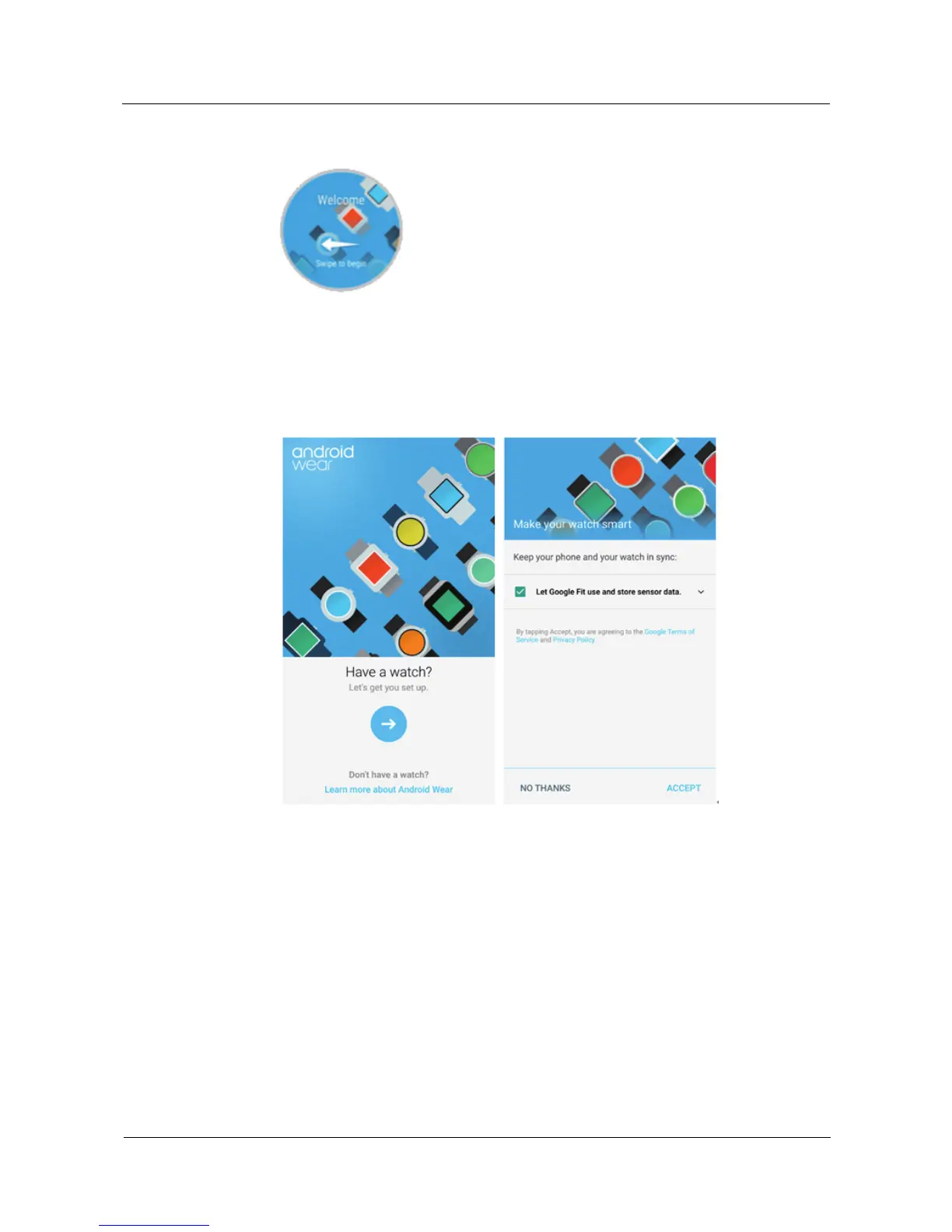
Press and hold the watch crown (side button) to power on your watch. Follow the
onscreen instructions and swipe left to select a language.
2. Install the Android Wear app on your phone and enable Bluetooth.
Go to the App Store on your phone, and then download and install the Android Wear app.
After installation, perform the following steps.
Pairing with your watch
1. Open the Android Wear app and follow the onscreen instructions.
2. The phone automatically lists the Bluetooth devices found.
a. Swipe on the watch screen until the screen with a Bluetooth device name displays.
Touch your watch name.
b. Enter the pairing code on your phone and touch Pair. After your phone has
successfully paired with your watch, Paired! is displayed on both your phone and
watch screens.















 To Next Page