Proprietary and Confidential
Copyright © Huawei Technologies Co., Ltd.
11
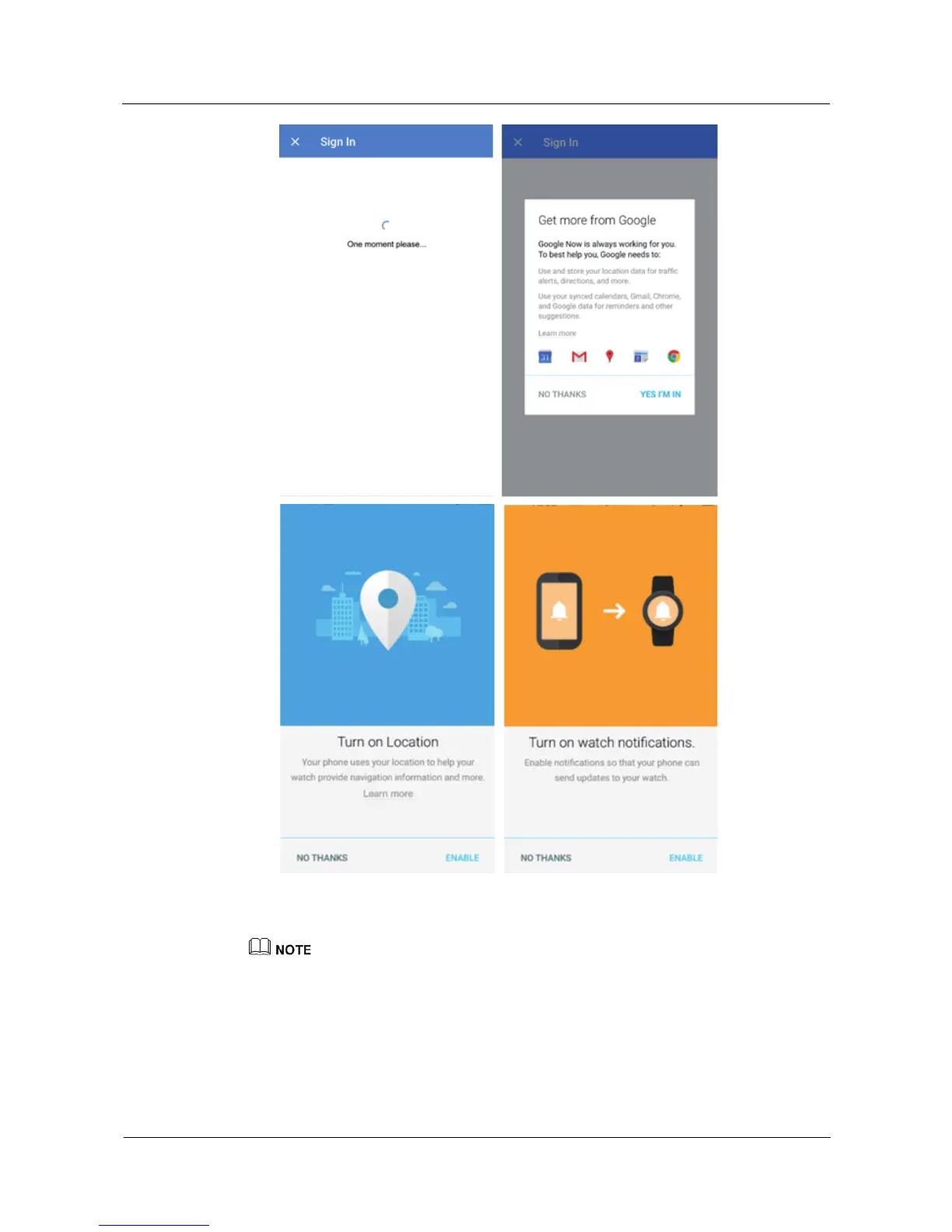
4. After you pair the phone with your watch, Connected is displayed in the upper left
corner of the Android Wear app. When your watch has the watch face displayed, pairing
and synchronization are complete. Now you can start using your watch.
An iPhone can only pair with one watch at a time.
Your watch may automatically install an update and restart once it has successfully paired with the
phone.
If the phone keeps failing to pair with your watch, check whether the phone is already connected to
multiple Bluetooth devices. If so, try canceling one of these connections or turning off Bluetooth and
then turning it back on again.















 To Next Page