Ver. 1.4 – 6-21
22
Configure Tracking Settings (Continued) .
• Track Area: The area at which the camera tracks individuals.
o Allows for designation of the tracking zone.
• Blocking Zones: Designate the area you do not wish to track, such as monitors, doorways, etc.
o Allows for up to 8 Blocking Zones. Upon checking one of the blocking zone boxes, you
are given the ability to designate blocked areas.
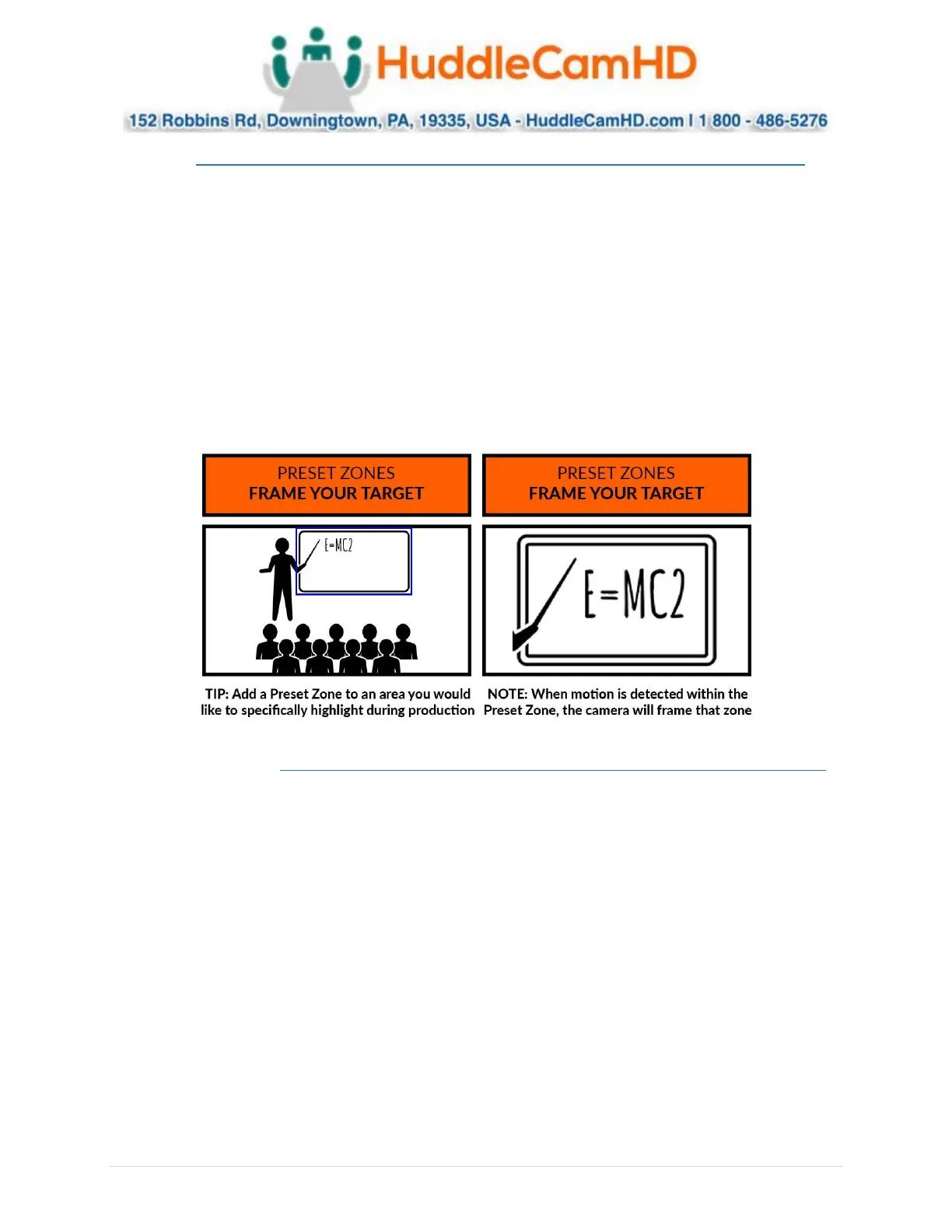
• Preset Zones: Zones the camera will frame when motion is captured. (SimplTrack2 only)
o Allows for up to 4 Preset Zones. Once a Preset Zone is designated, motion within the
zone will trigger a preset the camera calls in order to capture the desired location.
▪ Preset Zone 1: Camera Preset 5
▪ Preset Zone 2: Camera Preset 6
▪ Preset Zone 3: Camera Preset 7
▪ Preset Zone 4: Camera Preset 8
▪ Basic 2 ________________ .
Within Basic 2 settings, you have control over Tilt Motion, Auto Zoom, Permanent Track, Outside
Platform, Tracking Parameters Reset, Tracking Sensitivity, Zoom Sensitivity, Zoom Limit, Target Lost
Action, & Power On State.


 To Next Page
 Loading...