16
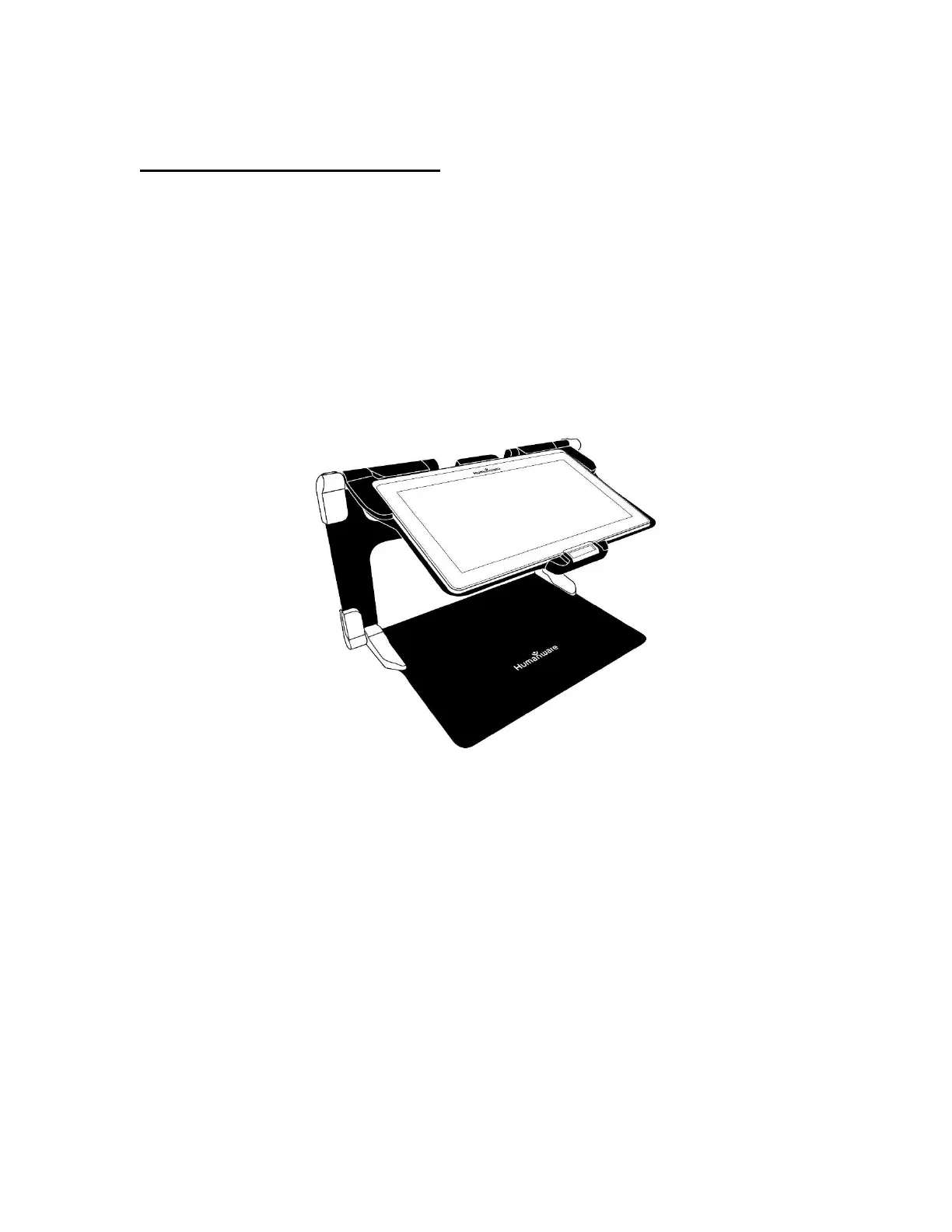
Folding stand with Tablet (image 14)
Hold your Connect 12 tablet with the screen side facing you (the HumanWare
logo should be at the top, center of the device frame). Carefully align and insert
the top of the tablet with the ten connector pins located at the top, center of the
stand. Press the bottom of the tablet down until you hear a click indicating that
the tablet is secured. To undock the tablet, place your thumb on the orange clip
and slide it downward, toward you.



 To Next Page