17
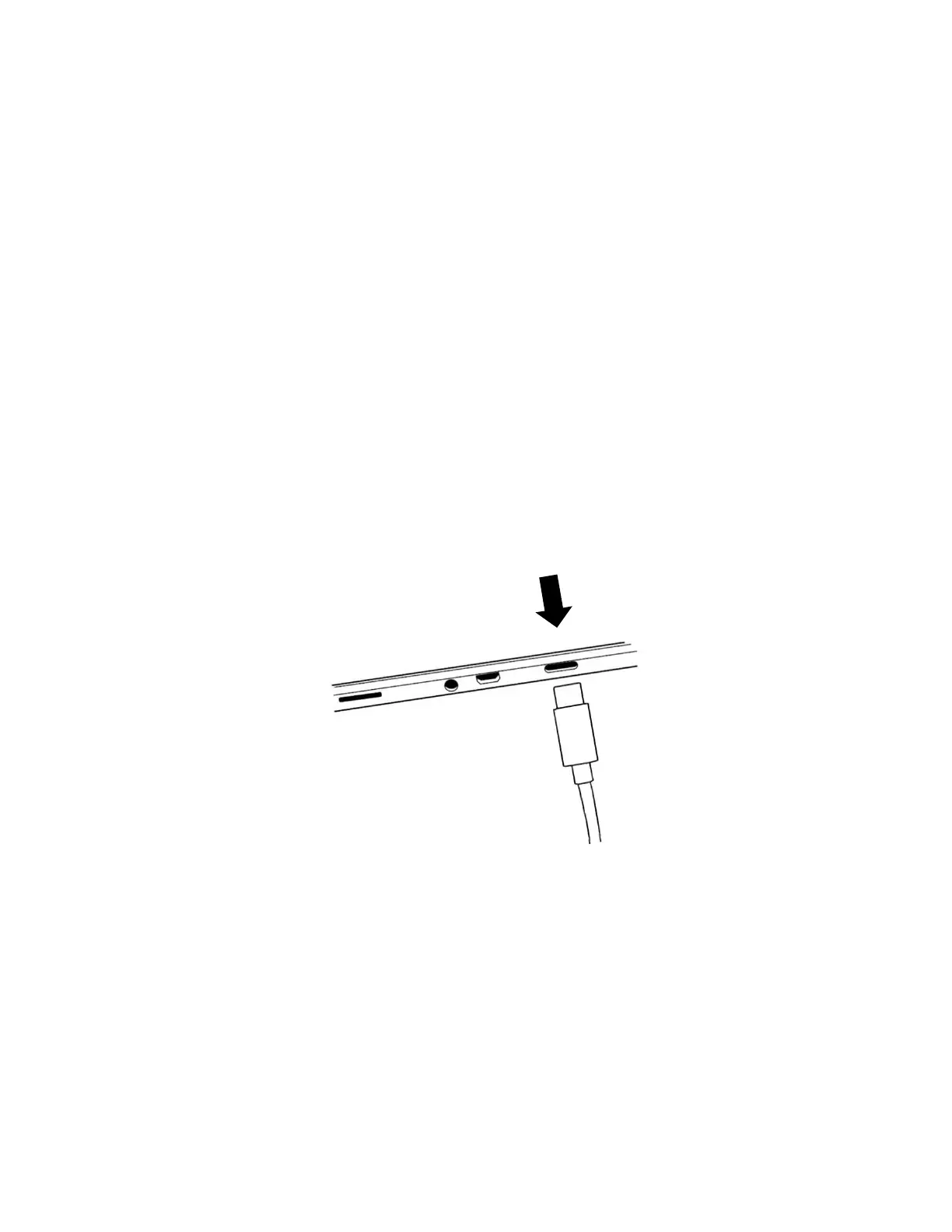
The USB-C port is located on the right side of the tablet. Connect the USB to
USB-C cable to the USB-C port and plug it into an outlet using the power supply.
Charge the battery to full capacity (a full charge requires approximately 4 hours).
USB-C cable and USB-C port (image 15)
Carefully insert the cable into the USB-C port.
Powering On
Press and hold the power button for two to three seconds (refer to image 2) to
power On the tablet. The HumanWare and Android logos will appear on screen
and the tablet will take approximately 45 seconds to initialize.



 To Next Page