28
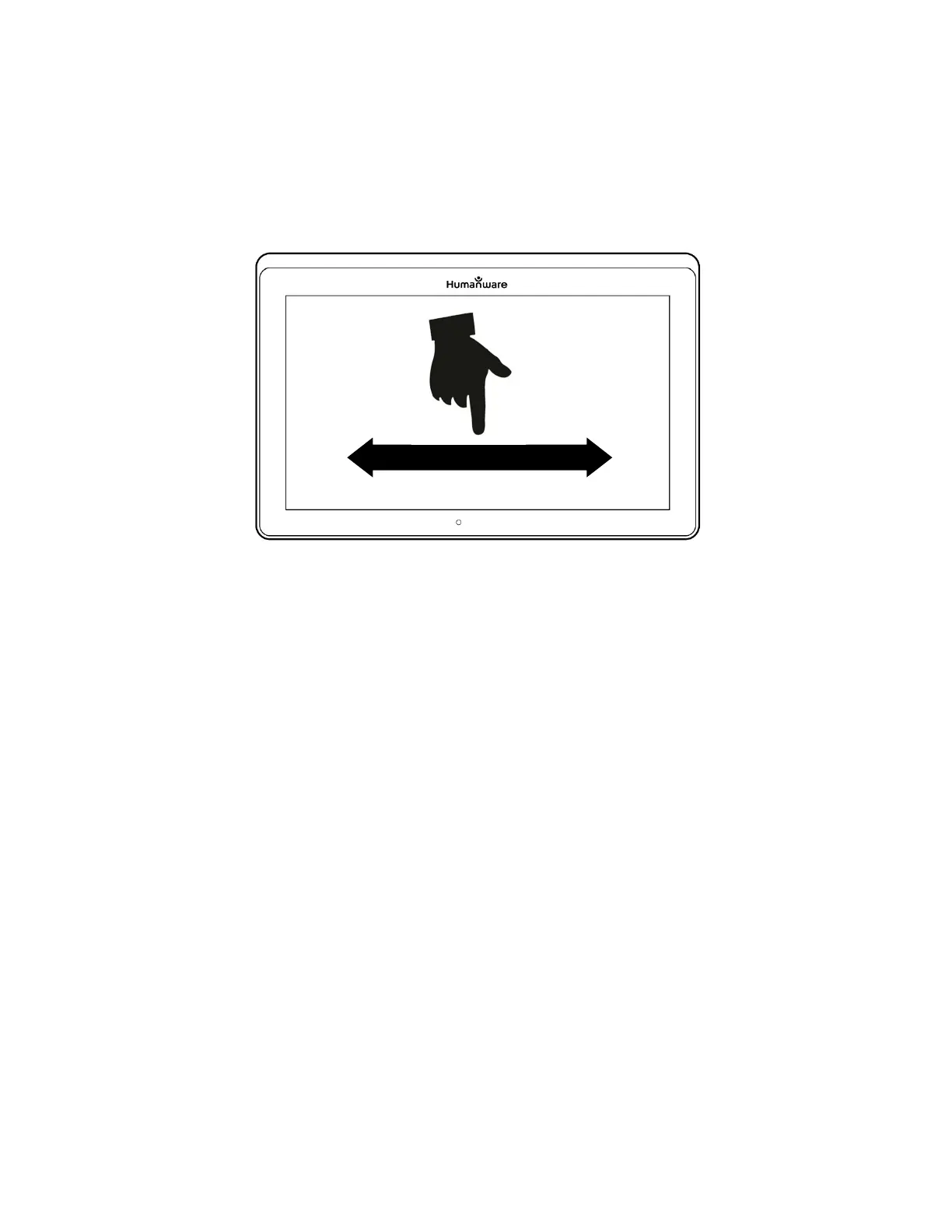
Text Scrolling Speed gesture (image 22)
You can also increase or decrease the Speech Rate permanently from Settings.
Tap the Settings icon, select Reading Speed, and select a value. Tap Back twice
to exit Settings.
You can change the reading speed (text scrolling speed) by swiping left or right,
or from the Settings even when speech is deactivated.
To toggle between Speech On and Off, simply double-tap on the screen
while reading. Alternatively, tap the Settings icon, select Speech, and select
Documents Only or Off.
Prodigi software allows up to 4 different voices that can be used to read text
documents aloud. To select a different voice, tap the Settings icon, select
Voice, and tap to toggle and select from the 4 voice options.
Tap Back to return to your document.
Tap Back to stop reading and return to camera view.
Note: Ensure that the language of the selected voice is the same as in the
document that you want to read.



 To Next Page