27
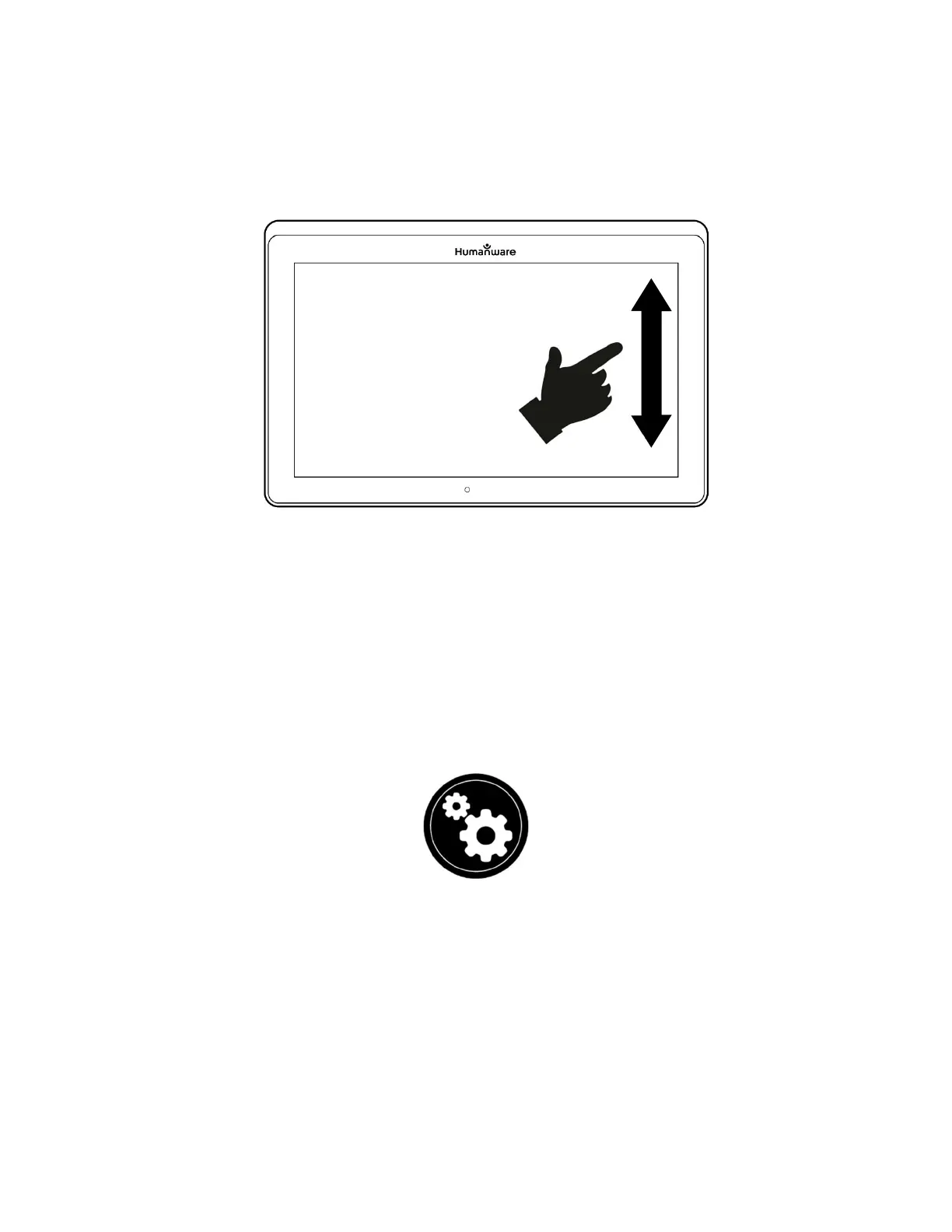
Settings gesture (image 21)
Note: Text can be set up in 3 different formats (Reading Modes). Access Settings
to select single line in Line mode, a column in the Column mode (default), or you
can read text without losing its configuration in Page mode. Two “greater than”
signs will identify the end of a paragraph in Line and Column modes (˃˃).
Prodigi software will beep to announce “End of document” when you reach the end
of your document. Tap Read to read from the beginning of the document again.
To set a different Reading Mode, tap the Settings icon and swipe up to
select Reading Mode.
Tap Reading Mode to toggle the value. Tap Back to exit Settings.
You can temporarily increase the Speech Rate while reading by sliding and
releasing your finger to the left on the touchscreen and decrease the
Speech Rate by swiping to the right. Note that changing the Speech Rate
will change the reading speed (text scrolling speed) accordingly.



 To Next Page