66
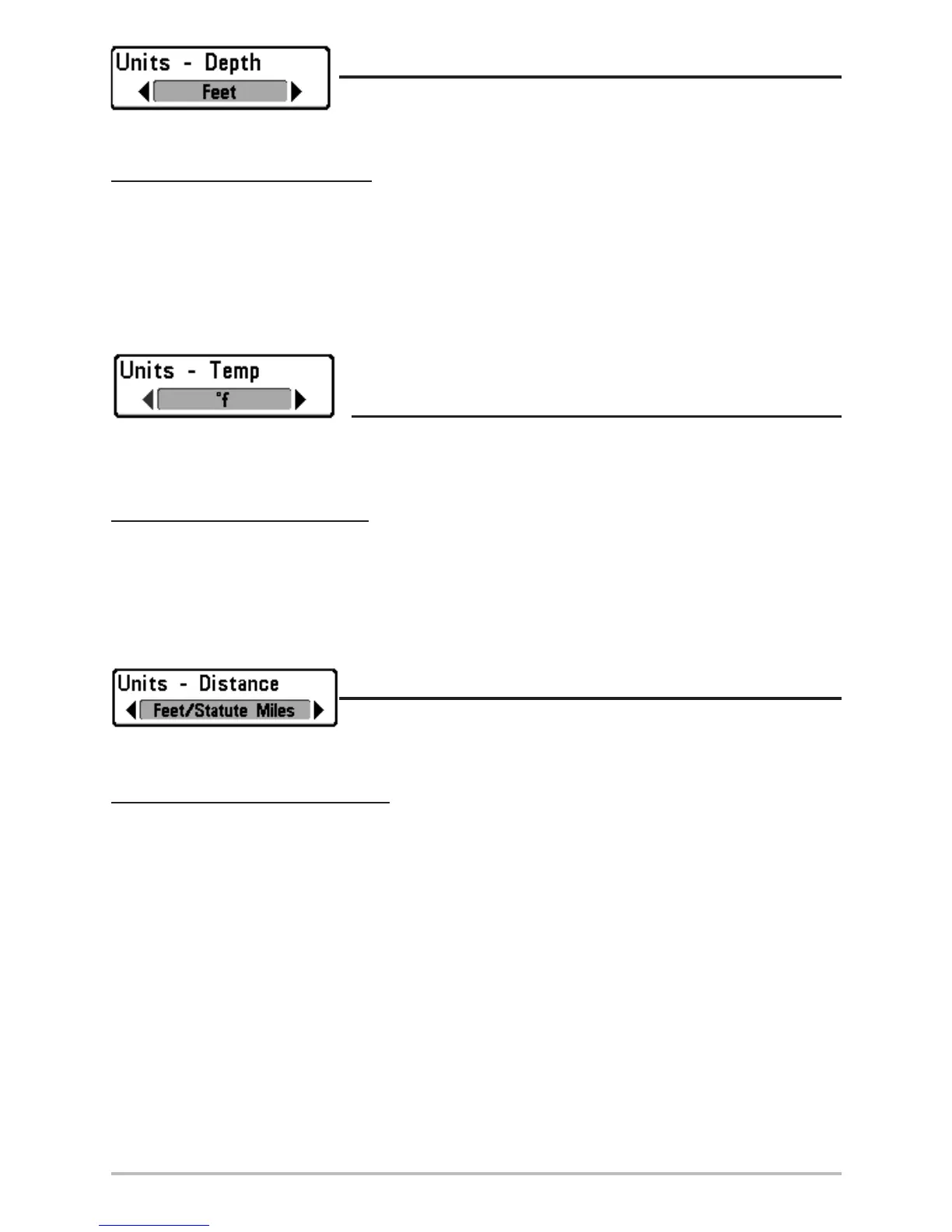
Units - Depth
Units - Depth selects the units of measure for all depth-related
readouts.
To change the Units - Depth setting:
1. Highlight Units - Depth on the Setup menu.
2. Use the LEFT or RIGHT 4-WAY Cursor Control keys to change the Units - Depth setting. (Meters
[International Models Only], Feet, Fathoms; Default is Meters for International models, and
Feet for Domestic models)
Units - Temp
(International Only)
Units - Temp selects the units of measure for all temperature-related readouts. International
Models Only.
To change the Units - Temp setting:
1. Highlight Units - Temp on the Setup menu.
2. Use the LEFT or RIGHT 4-WAY Cursor Control keys to change the Units - Temp setting. (Celsius,
Fahrenheit; Default = Celsius)
Units - Distance
Units - Distance selects the units of measure for all distance-related
readouts.
To change the Units - Distance setting:
1. Highlight Units - Distance on the Setup menu.
2. Use the LEFT or RIGHT 4-WAY Cursor Control keys to change the Units - Distance setting.
(Domestic Models: Statute Miles, Nautical Miles; Default = Statute Miles; International
Models: Meters/Kilometers, Meters/Nautical Miles, Feet/Statute Miles, Feet/Nautical Miles;
Default = Meters/Kilometers)












 To Next Page