73
Time Format
(Advanced, International Only)
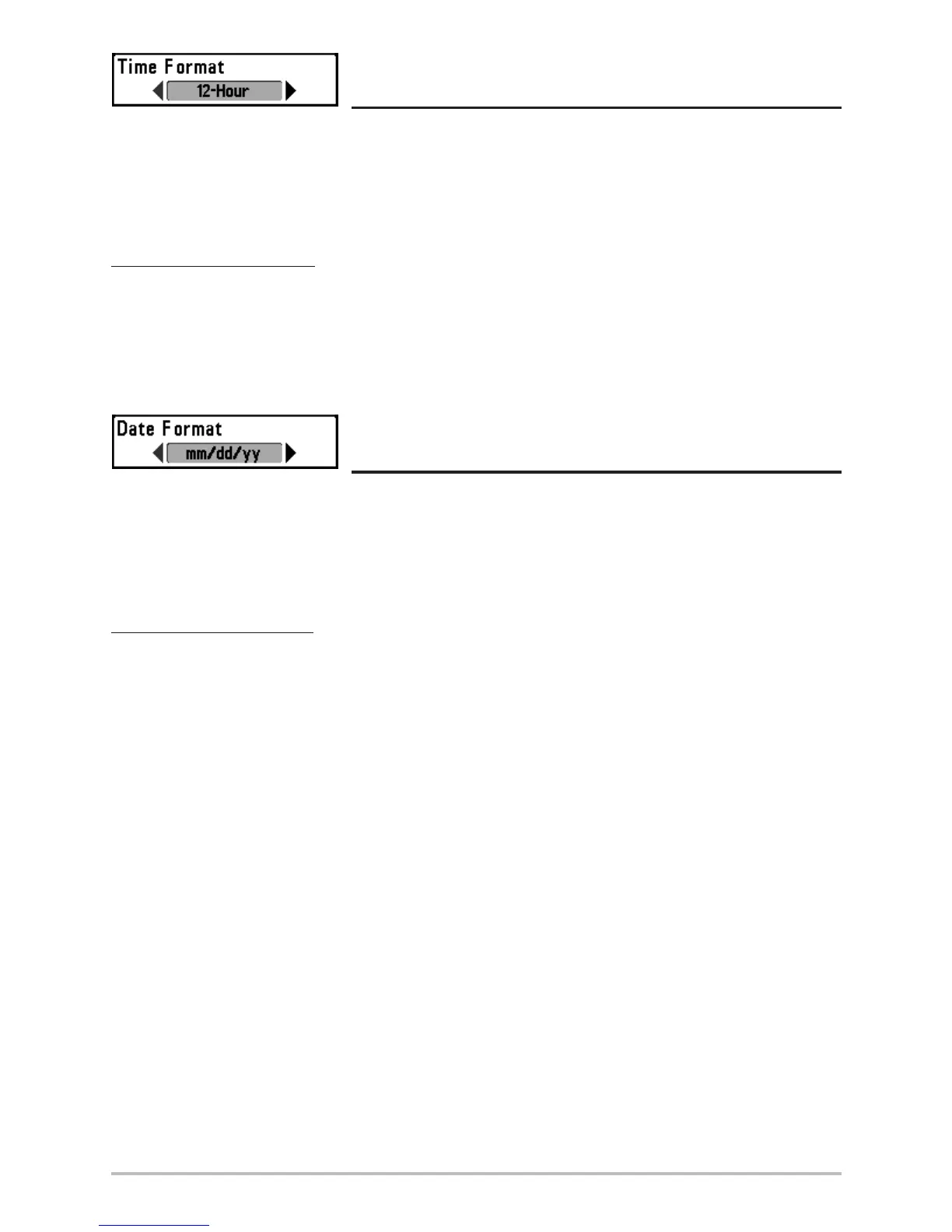
Time Format changes the time format used by the unit This menu choice is available only when in
Advanced User Mode (see Setup Menu Tab: User Mode.) International Models Only. Time Format selects
a 12 hour or 24 hour format for the time of day displayed when Time + Date is selected as a Digital
Readout on the Sonar View (see Select Readouts).
To change the Time Format:
1. Make sure you are in Advanced User Mode, then highlight Time Format on the Setup menu.
2. Use the LEFT or RIGHT 4-WAY Cursor Control keys to change the Time Format. (12 hour, 24
hour, Default = 12 hour)
Date Format
(Advanced, International Only)
Date Format changes the date format used by the unit This menu choice is available only when in
Advanced User Mode (see Setup Menu Tab: User Mode.) International Models Only. Date Format
selects the format for the date display when Time + Date is selected as a Digital Readout on the Sonar
View. (see Select Readouts).
To change the Date Format:
1. Make sure you are in Advanced User Mode, then highlight Date Format on the Setup menu.
2. Use the LEFT or RIGHT 4-WAY Cursor Control keys to change the Date Format. (mm/dd/yy,
dd.mm.yy or yy.mm.dd, Default = mm/dd/yy)












 To Next Page