EasyManua.ls Logo

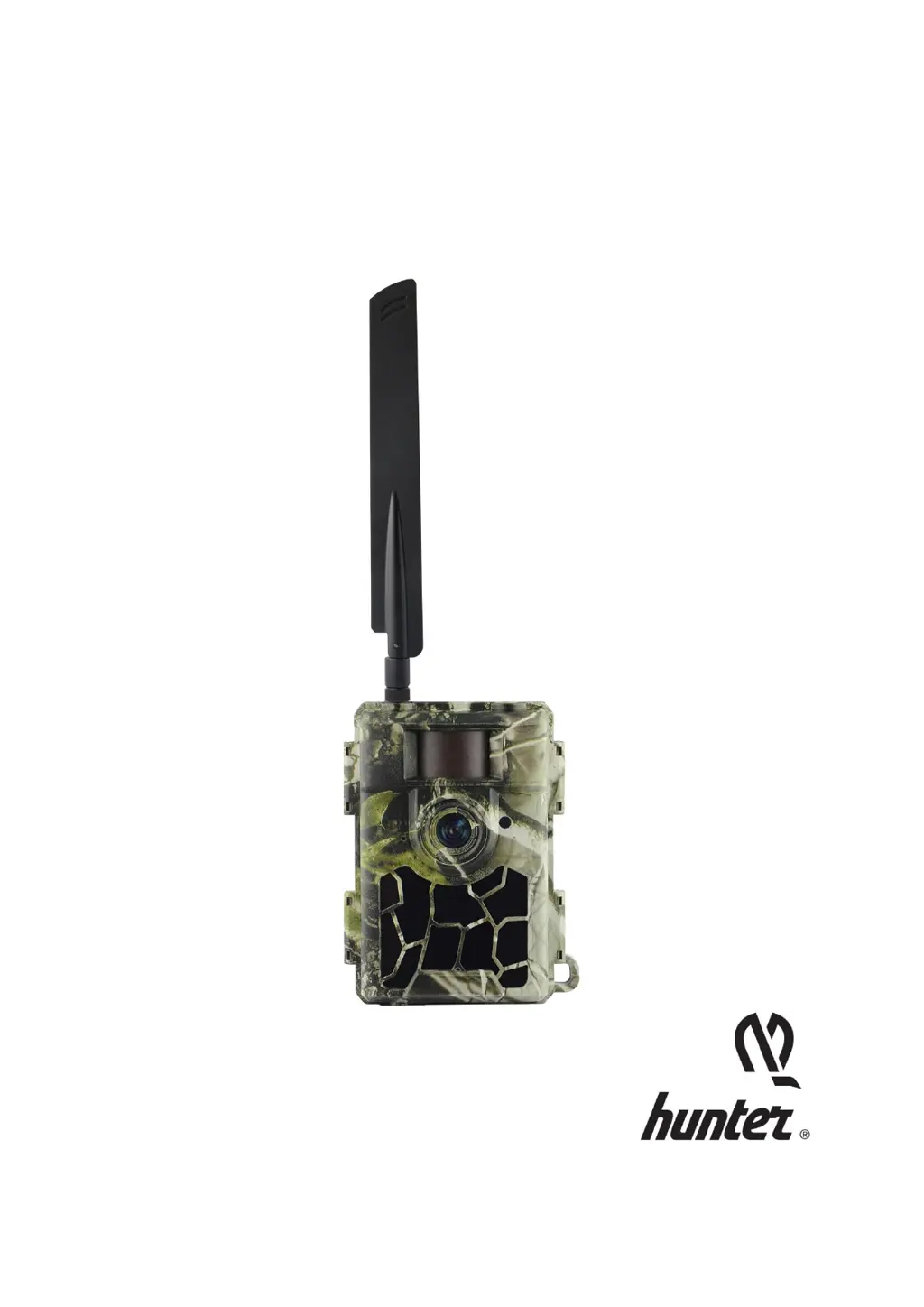
Hunter Orion - User Manual

Hunter Orion
63 pages
Print Icon
To Next Page IconTo Next Page
Loading...
Instruction Manual
Hunter Orion
4G Trail Camera
EN, DE, FI

Questions and Answers

  • D
    Diana Lopez MDJul 28, 2025
    What to do if my Hunter Orion stops taking images?
    • Y
      yfergusonJul 28, 2025
      If your Hunter Scouting Camera stops capturing images, ensure the SD card isn't full or activate 'SD Cycle' to prevent this. Verify that the camera's power switch is in the 'ON' position, not 'OFF' or 'SETUP'. If the 4G function is enabled, it may cause delays between shots; removing the SIM card allows continuous shooting. Also, check the batteries to ensure they have sufficient power. Formatting the SD card with the camera may also resolve the issue.
  • B
    Billy Torres MDAug 7, 2025
    Why does the night vision flash range not meet expectations on my Hunter Orion?
    • S
      Shirley AndersonAug 7, 2025
      To improve the night vision flash range of your Hunter Scouting Camera, ensure the batteries are fully charged. Consider using high-quality 1.2V NiMH rechargeable AA batteries, as alkaline batteries may not provide enough power. Adjust the 'Night Mode' to 'Max Range' for better IR flash range. Mount the camera in a dark environment without light sources and position it near surroundings like trees or walls to reflect the flash.
  • C
    Cynthia CrawfordAug 16, 2025
    How to fix photos that do not capture the subject of interest on my Hunter Scouting Camera?
    • J
      Jerry SheltonAug 16, 2025
      If your Hunter Scouting Camera isn't capturing the subject of interest, adjust the 'Sensor Level' (PIR sensitivity): use 'High' for warm conditions and 'Low' for cold weather. Avoid aiming the camera at heat sources or over water. Ensure the camera is stable by mounting it on immovable objects like large trees. At night, reduce the sensor sensitivity if the motion detector's range exceeds the IR illumination. Reorient the camera if the rising sun or sunset triggers the sensor. If the subject moves quickly, move the camera back or redirect it.

Summary

Quick Start Guide

Connect to Network

Details on connecting the camera to a cellular network and setting up phone/email.

Power Supply Options

SD Card Selection

Important Precautions

Key Features

Trigger Speed and Lens

Details on trigger speed, lens FOV, and PIR angle.

Image and Video Quality

Information on resolution, IR LEDs, and photo/video quality.

Advanced Functions

Features like multi-shot, time lapse, stamps, and remote configurations.

Operation List

Menu Settings

4 G and Network Setup

Configuration for SIM Auto Match, Manual Setup, MMS, and SMTP (Email).

Troubleshooting

Capture Issues: No Subject Detected

Troubleshooting steps for when the camera fails to capture subjects.

Capture Issues: Camera Stops Working

Solutions for issues where the camera stops capturing photos or videos.

Night Vision Performance

Tips to improve night vision flash range and image quality.

Capture Issues: Environmental Factors

Further advice on optimizing capture in varying environmental conditions.

Specifications

Hunter Orion Specifications

General IconGeneral
Video Resolution1080p
Night VisionYes
Recovery Time1 second
Detection Range80 feet
WaterproofYes

Related product manuals