decrease;
Menu item
switch
switch to the next parameter.
3. In the parameter setting interface, press this key to
decrease the parameter value.
Note: The system exits to the home screen if no key is pressed within 10s in the parameter
query or setting interface. Any parameter change will be automatically saved.
SPT setting
On the home screen (on/off status), press "UP" and "DOWN" to adjust the set temperature SPT.
Press " " to exit SPT setting with the configuration saved.
The adjustable range of SPT is determined by the lower temperature limit (SPTL) and upper
temperature limit (SPTH).
Target temperature control
Parameter query
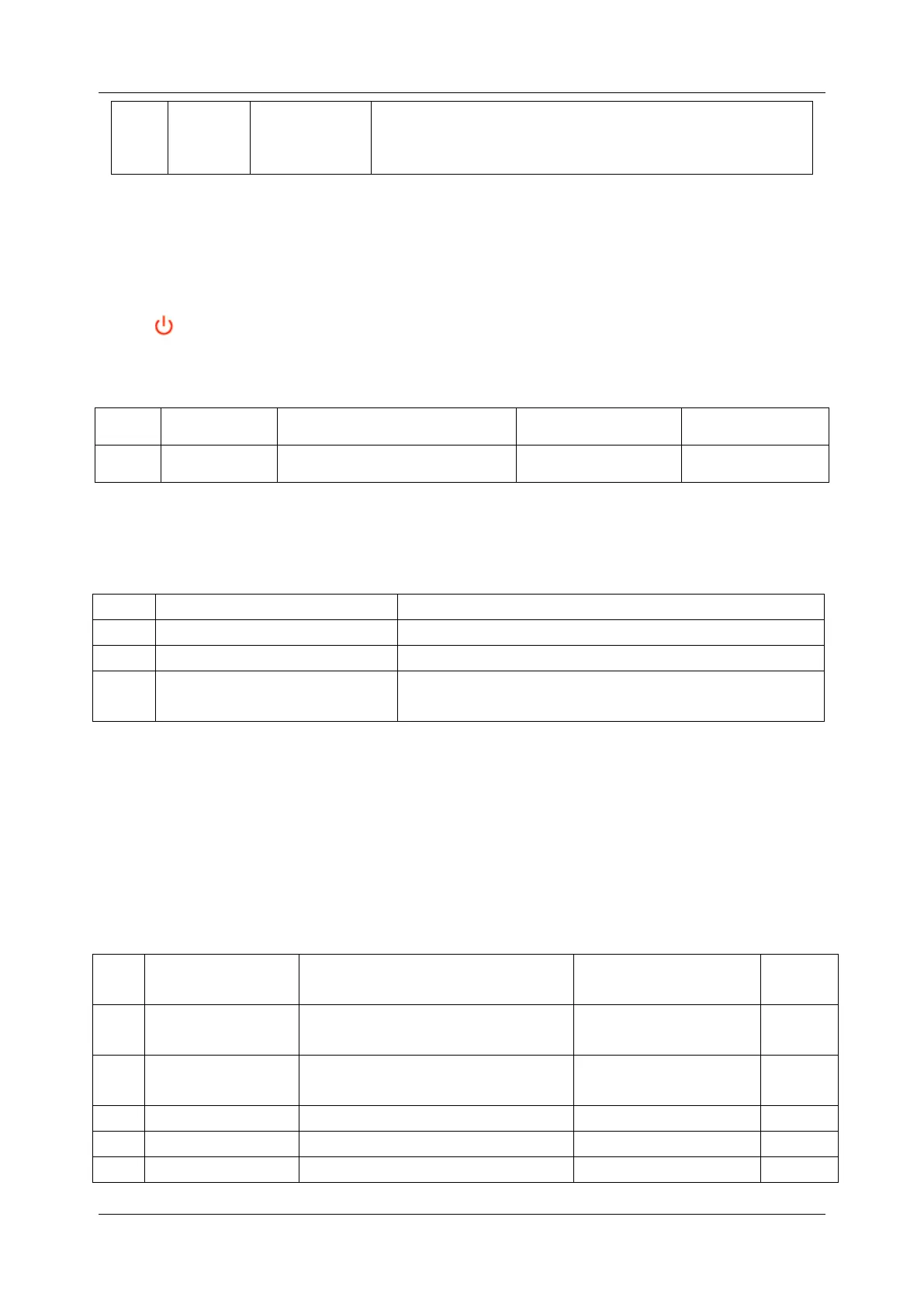
Press "SET" to enter the parameter query interface, and press "UP" and "DOWN" to check
parameters.
Outdoor ambient temperature; –30°C to +70°C
Condenser pipe temperature; –30°C to +70°C
Value "0" indicates load disabled, while value "1"
indicates load enabled.
PARAMETER CHECKING AND ADUSTMENT
Parameter setting
Hold "SET" to enter the parameter setting interface. The first "x" starts to blink. You can press
"UP" and "DOWN" to set this parameter and then press "SET" to confirm and exit to the
parameter query interface. The first "x" stops blinking. Below is the parameter list.
Unit operating mode setting
Hysteresis
temperature (De)
Hysteresis temperature setting
Lower temperature limit setting
Upper temperature limit setting
Setting of minimum shutdown



 To Next Page