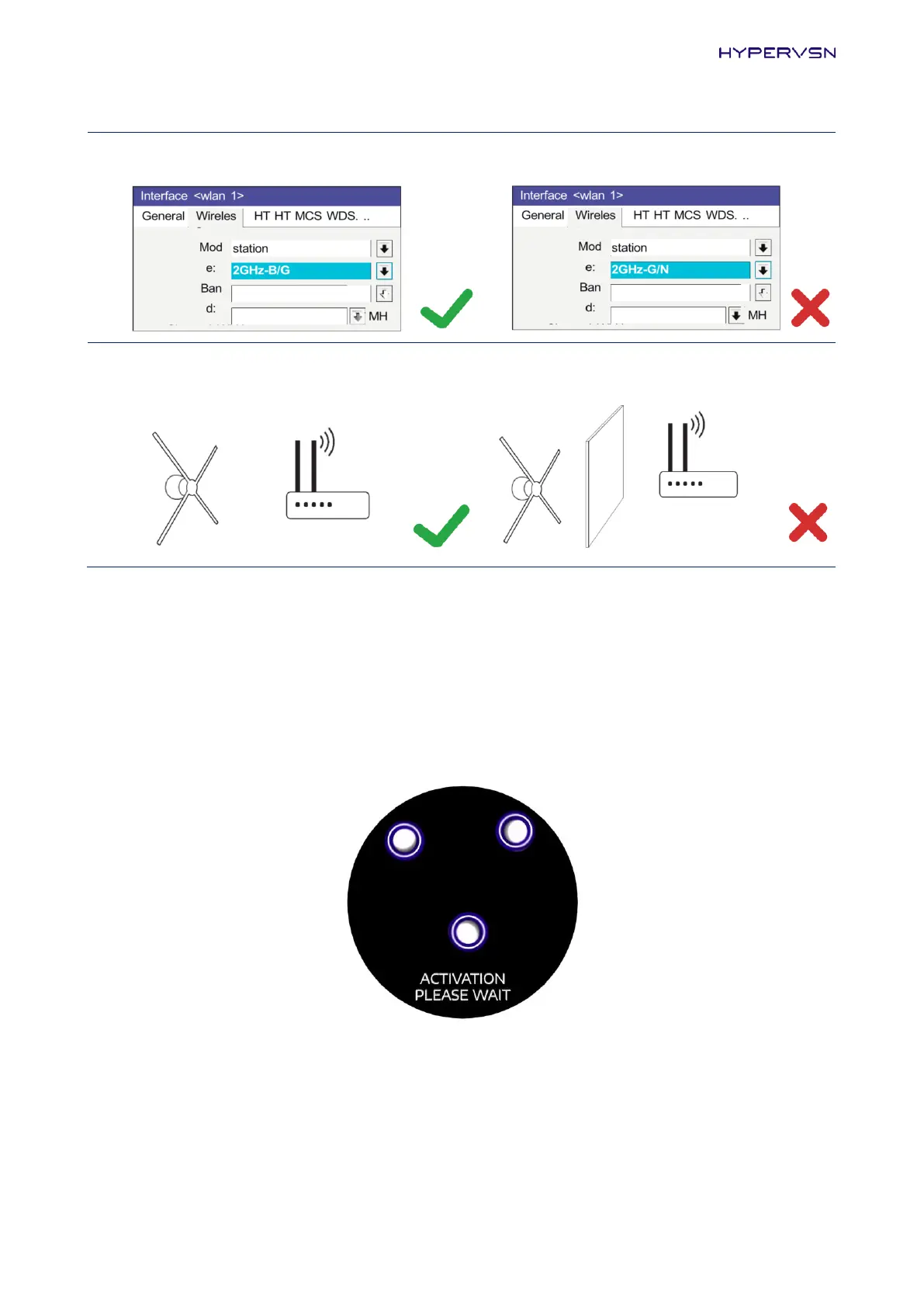
5. General recommendations: choose a less congested Wi-Fi channel, avoid physical barriers
between the router and the Device.
The Device operation assumes the use of a personal router. It is recommended to use 3G/4G routers,
where possible.
Note. If you are experiencing problems with your home or office Wi-Fi network, try to share the
Internet connection from your mobile phone by creating a Hotspot. Please note that your service
provider may charge a fee for using the Hotspot.
18.
Click Activate (Picture 33) and look at the Device. The Device will start the booting animation.
Picture 34. Booting animation on the Device


 To Next Page