30 © Copyright 2019 HYPERVSN. All rights reserved
19.
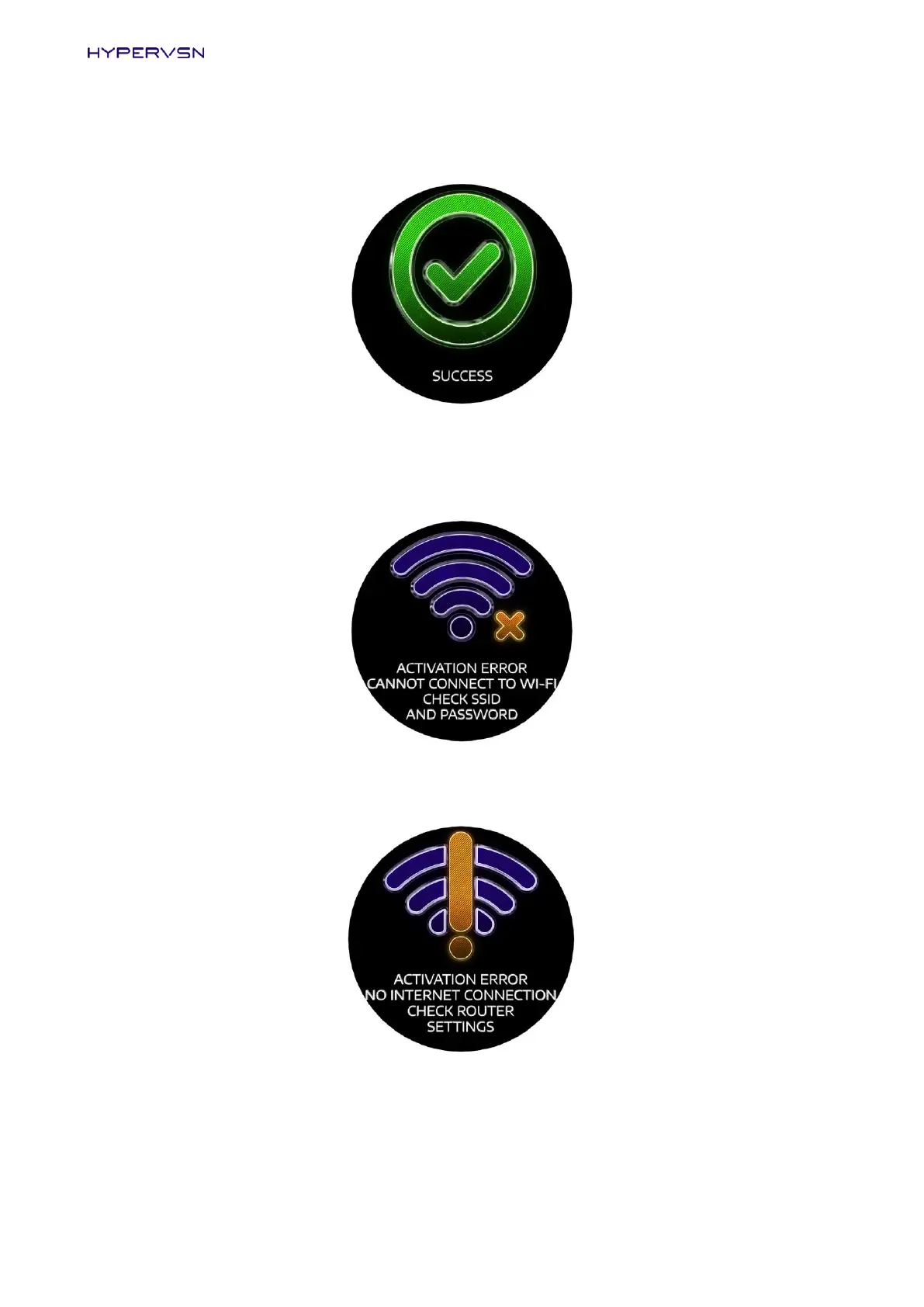
If everything is completed properly, the “SUCCESS” message will be displayed on the Device for some
seconds.
Picture 35. “Success” message
If the following message (Picture 36) is displayed on the Device, check your credentials, including
email and SSID you have entered at step 15.
Picture 36. Activation error message
If Wi-Fi network is not available, the following message will be displayed on the Device.
Picture 37. “No internet” message


 To Next Page