© Copyright 2019 HYPERVSN. All rights reserved 31
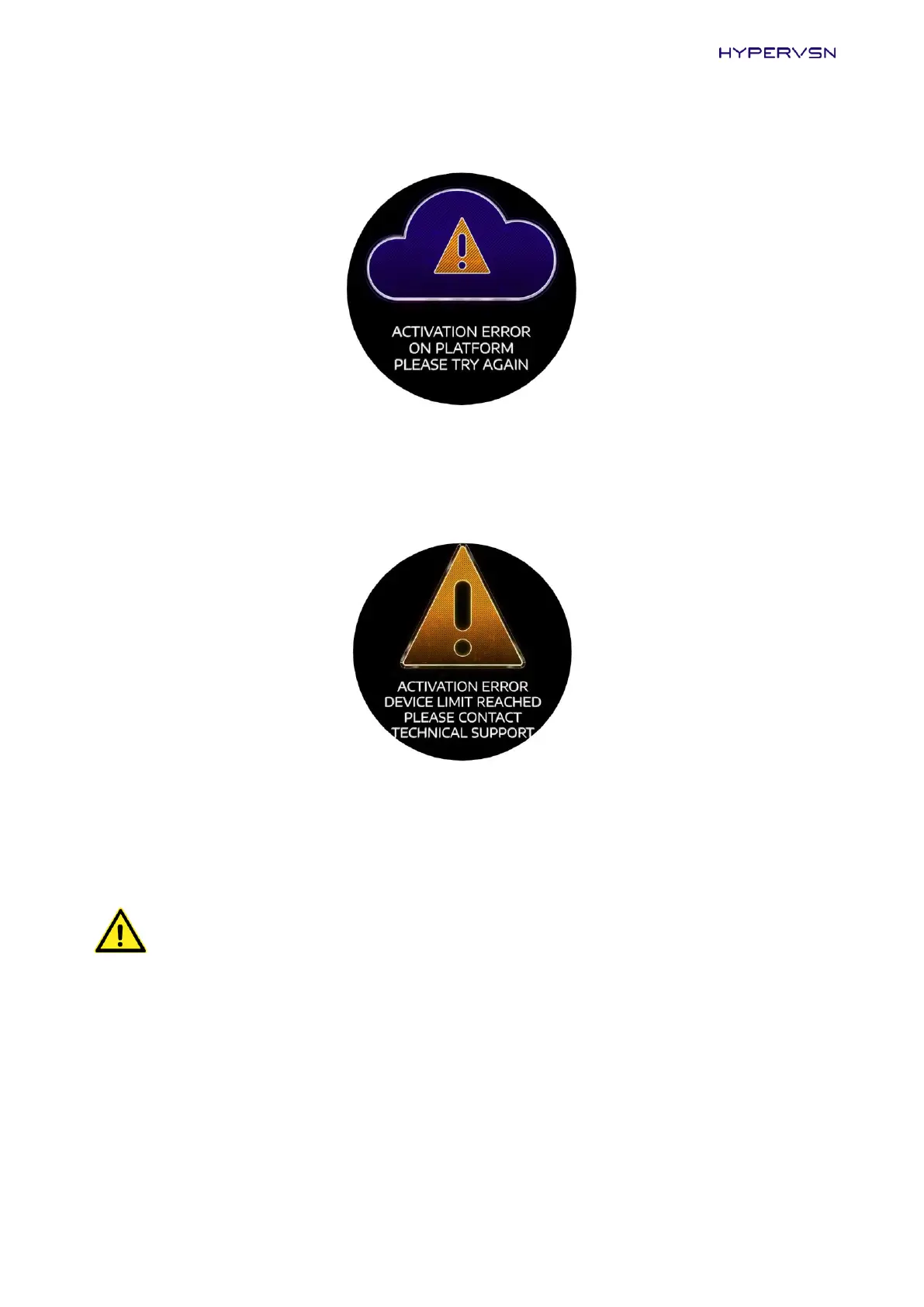
If there is no connection with the CMS, the following message will be displayed.
Picture 38. Activation error message
Click Activate once again. If the message is still on the Device display, contact Tech Support team at
support@hypervsn.com.
Contact the Technical Support team, if the following message is displayed.
Picture 39. Activation error message
20.
When the activation is completed, switch the Device off.
WARNING! After using the Device, the stator and rotor can become hot to touch. Please wait
until the temperature drops before proceeding with the next step.
21.
Move the mode switch on the rotor to the Operating mode (Picture 13).
22.
Switch the Device on.
The “HYPERVSN” message will appear (Picture 25) for several seconds. Then the starting animated
message will appear and will be displayed constantly (Picture 15).
If the Device is successfully connected to an Internet-enabled Wi-Fi network (set up at step 15), it is
ready to be used and displays in your personal account at https://hypervsn.com/platform/devices.
23.
Click My Devices.


 To Next Page