User Manual Appendix: Parameters
49
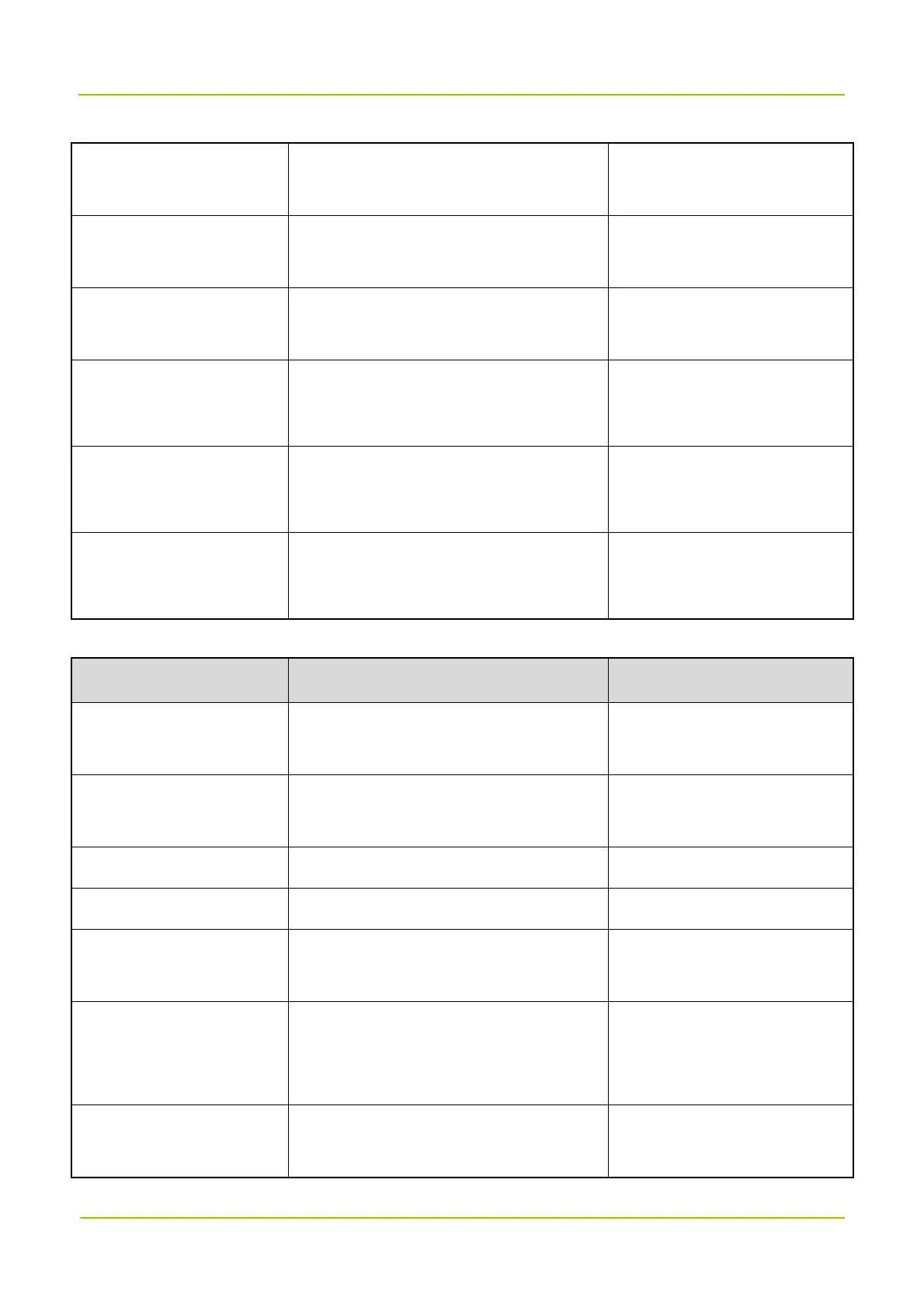
Actual Number of Carriers The range is 0 to 32.
Actual number of channels the
device has opened.
Downlink Input Power Level
(dBm)
The range is –110 to 10. /
Uplink Output Power Level
(dBm)
The range is –110 to 50. /
Remote Unit Online Switch
0: Offline
1: Online
Whether the remote unit is
online.
Remote Unit Connection
Indicator
0: Not connected
1: Connected
Whether a remote unit is
connected.
Donor Unit Connection
Indicator
0: Not connected
1: Connected
Whether a donor unit is
connected.
Setting Parameters
Parameter Configuration Remarks
Downlink Input Over-power
Threshold (dBm)
The range is –110 to 10. /
Uplink Output Over-power
Threshold (dBm)
The range is –110 to 50. /
System Uplink Gain (dB) The range is 0 to 100. /
System Downlink Gain (dB) The range is 0 to 100. /
Uplink Channel Reference
Base Frequency (MHz)
This parameter is subject to actual
requirements.
/
Downlink Channel
Reference Base Frequency
(MHz)
This parameter is subject to actual
requirements.
/
Increment (kHz)
This parameter is subject to actual
requirements.
/


 To Next Page