8
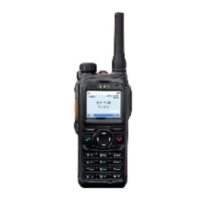
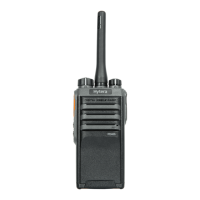
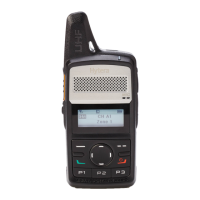
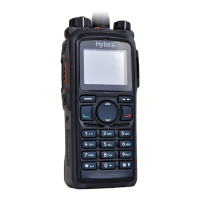
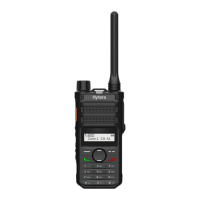
No. Part Name No. Part Name
10 Answer/Call Key 23 Battery Latch
11 P1 Key 24 Strap Hole
12 Antenna 25 Belt Clip
13 Battery Status Indicator 26 Battery
2.2 Programmable Keys
For enhanced convenience, you can set the following keys as shortcuts to assignable terminal features: Up key, Down
key, Answer/Call Key, SK1, SK2, P1 key, P2 key, and P3 key.
To set or cancel a shortcut, on the home screen, press the Menu key, and then go to Settings > Radio > Keypad >
Shortcuts.


 To Next Page