28
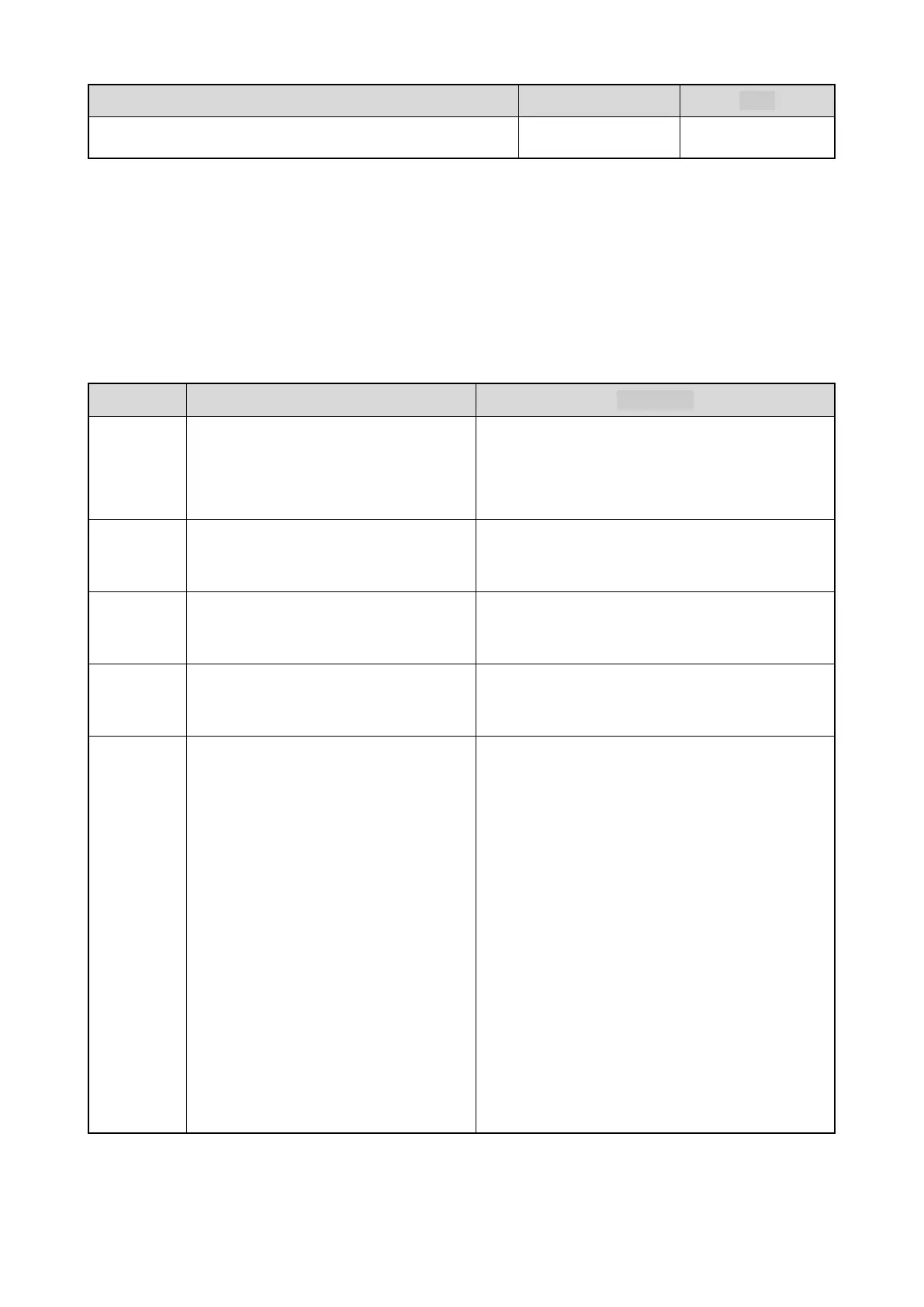
Feature DMO TMO
Lone Worker √ √
Features with the asterisk icon (*) are paid features. To use these feature, apply for Licenses from your dealer.
8.1 Terminal Settings
8.1.1 Basic Settings
To configure frequently used features, on the home screen, press the Menu key, and then go to Settings > Radio.
For details, see the following table.
Features Description Operation
Language
This feature allows you to set the
language in which all interface
information is displayed.
Go to Language, and then select the required
language.
Invert
Display
This feature allows the displayed text to
be reversed by 180 degrees.
Go to Display > Invert Disp, and then select On or
Off.
Brightness
This feature allows you to set the LCD
brightness.
Go to Display > Brightness, and then press the left
and right navigation keys to adjust the brightness.
Keypad
Light
The feature is designed to illuminate the
keypad.
Go to Display > Light, and then select On or Off.
Time
This feature allows you to set
parameters related to date and time.
To adjust the date or time, go to Date &
Time > Settings, select Date or Time, and then
press the navigation keys.
To set the date or time format, go to Date &
Time > Format, select Date Format or Time
Format, and then select the format.
To set the time synchronization method, go to
Date & Time > Time Sync, and then select
Network Time, Satellite Time, or Out of sync.
To set the time zone, go to Date & Time >
Time Zone, and then press the navigation
keys.
8.1.2 Favorite Functions
To switch the mode or profiles through the Functions menu, on the home screen, press the OK key.



 To Next Page