44
9. Troubleshooting
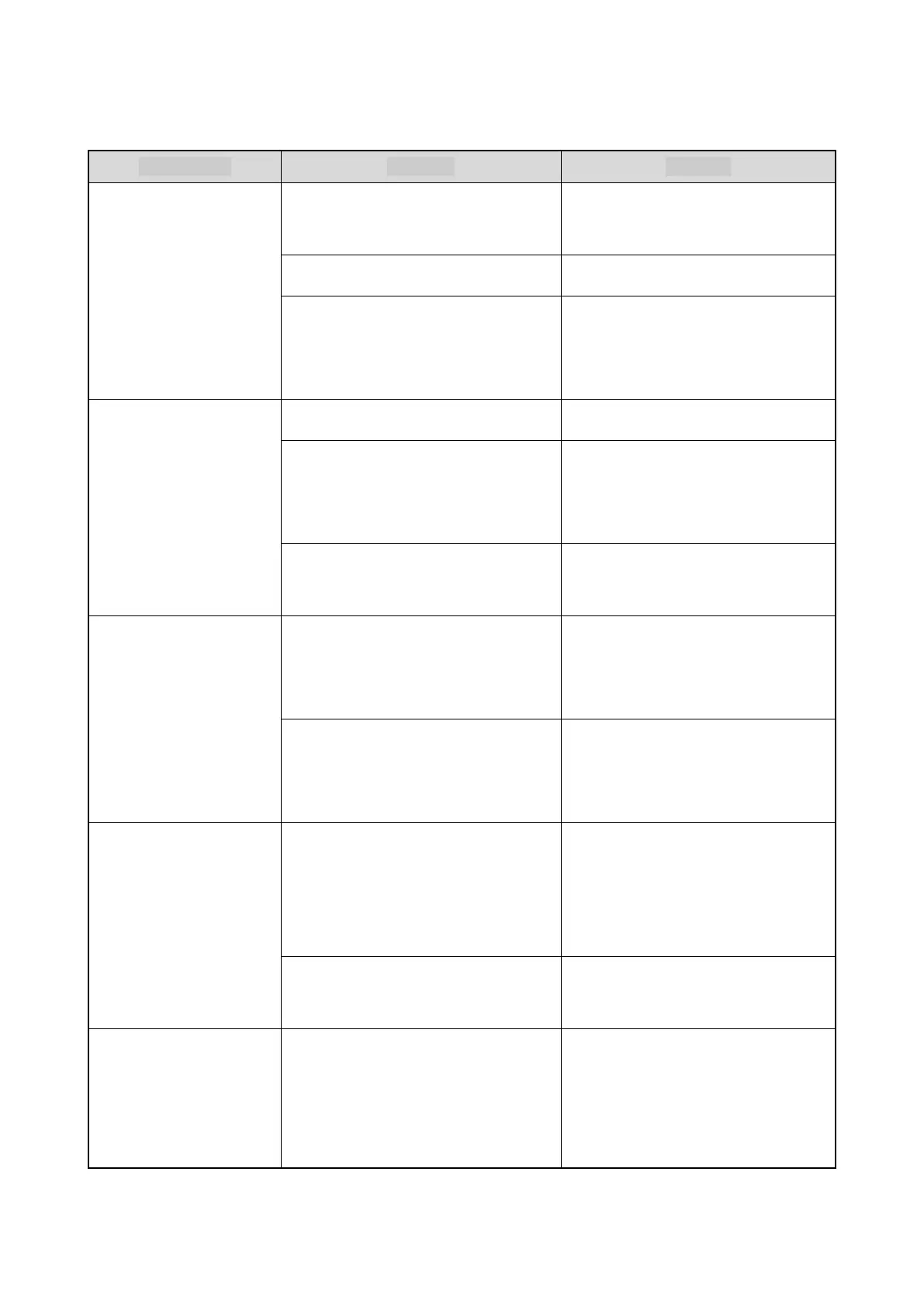
Phenomena Analysis Solution
The terminal cannot be
turned on.
The
battery may be improperly
installed.
Remove the battery, and then reattach
it.
The battery power may run out. Recharge or replace the battery.
The battery may be poorly connected
due to dirtied or damaged battery
contacts.
Clean the battery contacts.
fails or no network is
found.
The terminal may operate in DMO. Switch to TMO.
The terminal may be out of the network
coverage.
Check the signal strength. Make sure
that the terminal is within the network
coverage.
The terminal may not be granted
network access.
Contact the network operator for
authorization.
Calls cannot be initiated.
The terminal or the called party may be
out of the network coverage.
Check the signal strength. Make sure
that the terminals are within the
network coverage.
The terminal may operate in an
improper mode.
Check the operation mode. Make sure
that the terminal works in the proper
mode.
A group call cannot be
initiated or received.
The terminal may not be a member of
the target group.
Check whether the terminal is a
member of the group. If not, contact
your dealer to add the terminal to the
group.
The terminal may not be authorized to
access the target group.
Contact the network operator for the
terminal authorization.
interrupted.
The current channel may be assigned
to calls with a higher priority, such as
an emergency call, or the call may time
out.
Wait until the channel becomes
available and try again.
End the call within the preset
time period.



 To Next Page