EasyManua.ls Logo

IBM 5150 - Page 81

IBM 5150
252 pages
Print Icon
To Next Page IconTo Next Page
To Previous Page IconTo Previous Page
Loading...
Telling
DOS
the
Date
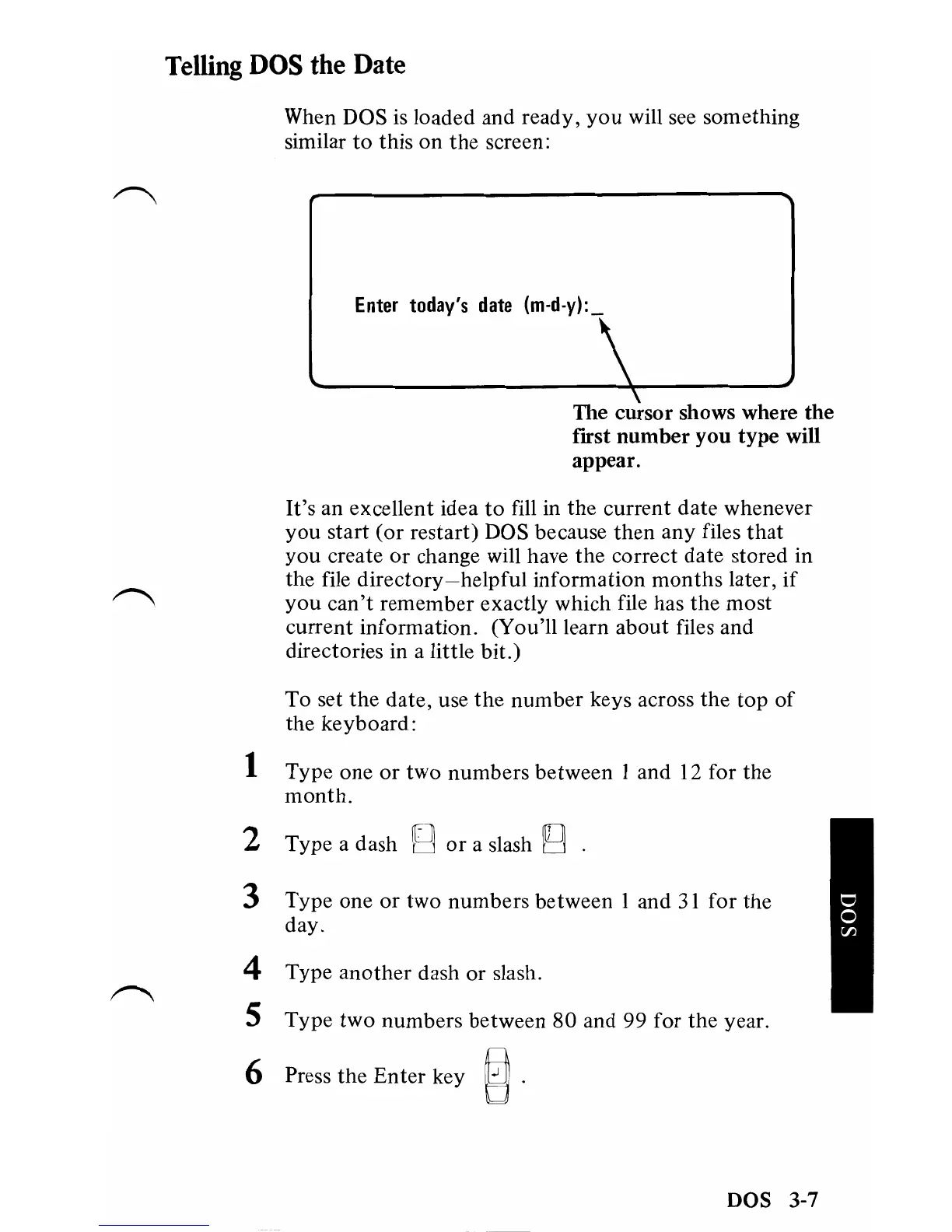
When DOS
is
loaded and ready,
you
will see something
similar
to
this on
the
screen:
Enter
today's
date
\
The cursor shows where
the
fIrst
number
you
type will
appear.
It's
an excellent idea
to
fill in
the
current date whenever
you
start
(or
restart) DOS because
then
any files
that
you
create
or
change will have
the
correct date stored in
the file
directory-helpful
information
months
later,
if
you
can't
remember exactly which file has the most
current information. (You'll learn
about
files and
directories in a little bit.)
To set the date, use
the
number
keys across the
top
of
the keyboard:
1 Type one
or
two
numbers between 1 and 12 for the
month.
2 Type a dash g
or
a slash U .
3 Type one
or
two numbers between 1 and
31
for
the
day.
4 Type
another
dash
or
slash.
5 Type
two
numbers between
80
and 99 for the year.
6 Press the
Enter
key
~.
DOS 3-7

Table of Contents

Other manuals for IBM 5150

Related product manuals