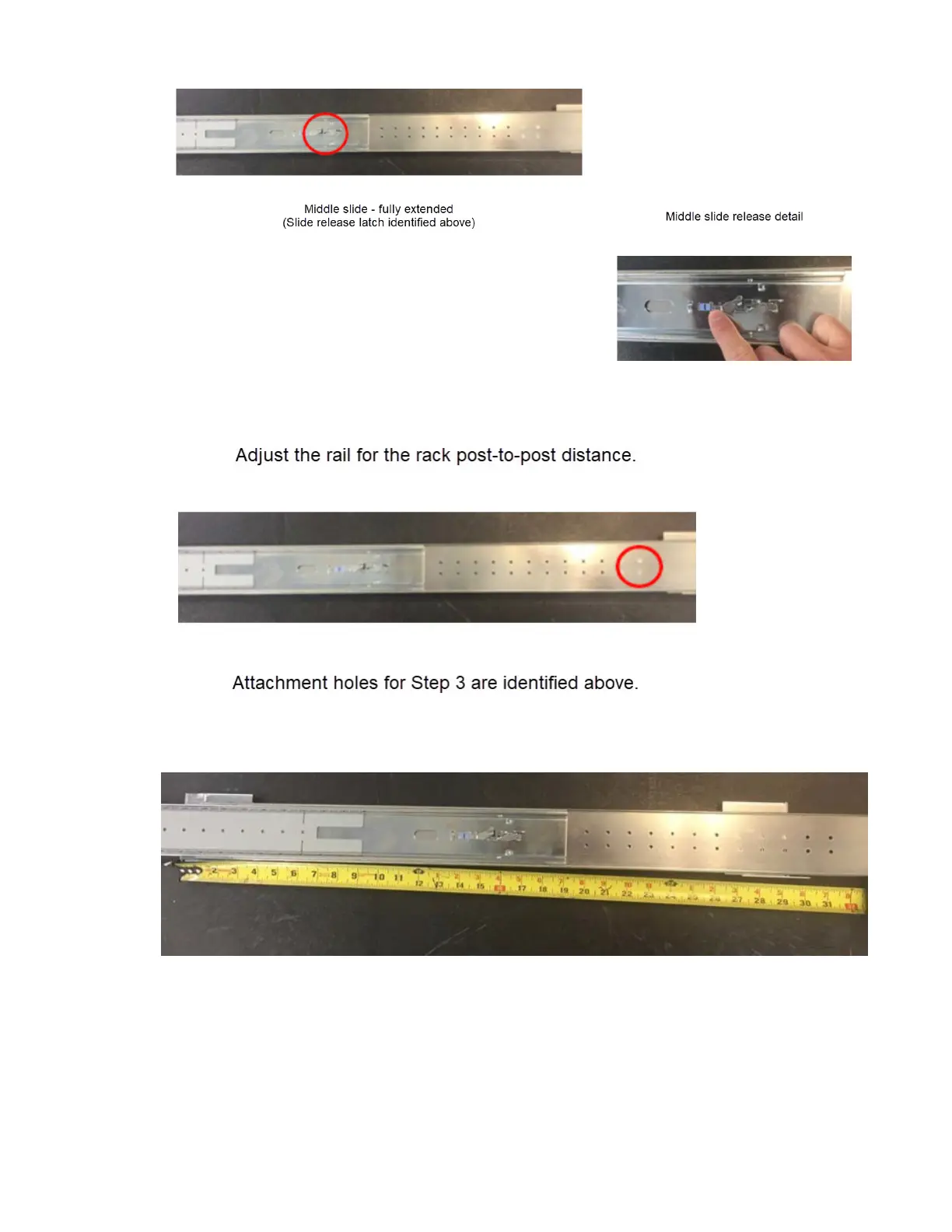
3. Unscrew and remove the quantity-4 rail kit rear-mounting bracket screws to adjust the rack post-to-
post distance for the left rail subassembly.
4. Relocate the left rail mounting bracket to approximately match the rack post-to-post distance
recorded in Step 1, above.
This bracket has one inch of available adjustment after the screws are secured. After torquing the
quantity-4 screws removed in Step 3, verify that the bracket can be adjusted to the exact rack post-
to-post distance determined in Step 1. Torque to 1.36 N-m (12 lbf-in)
5. Repeat Step 1 through Step 4 for the right outer rail subassembly.
Chapter 4. Installation
31



 To Next Page